

They don't have three cars neither. But you're right, my guess is that it's a request from the Sea World group for whatever reason.
All Comments
18181 to 18200 of 19724Filter comments
Is it okay if the very tip of my roof is outside of the template so long as the rest of the building is in?

Will you renew the domain on your site?

I scream, you scream, we all scream for NoLimits 2 Screen Shot Saturday Madness January 27, 2018-cream!
-Ride_Op
Is there a ride that you can operate in manuel mode?

Hello all! I will be posting my creations to this thread which are primarily ride and scenery sets for NoLimits 2.
Installing & Using Sets
Sets are in the .zip file format, to use any of the sets you must extract the .zip file into your park's directory. This is found at: Documents/com.nolimitscoaster.nolimits2/(Park Name)/(Extracted .zip file goes here). That's all that needs to be done to add these to a park! From there navigate to the Scenery Tab in the NoLimits 2 Editor and click the Choose... button. Click on Park Base and navigate to the extracted .zip folder. There will be a list of objects that can be placed down in the editor.
Quick Notes:
- All rides and nearly all Add-ons and scenery sets are recolorable! Double click the object to recolor them!
- For Ride sets, place down and position the ride first before placing any ride Add-Ons.
- Rides and their respective Add-ons need to be placed at the exact same location, and rotation! Copy and paste the those XYZ position and Y rotation from the ride to its Add-ons!
Ride Sets
| Download | Download | Download | Download | Download |
|---|---|---|---|---|
 |
 |
 |
 |
 |
| Download | Download | Download | Download | Download |
|---|---|---|---|---|
 |
 |
 |
 |
 |
| Download | Download BETA | Download | Download | Download |
|---|---|---|---|---|
 |
 |
 |
 |
 |
Scenery Sets
| Download | Download | Download |
|---|---|---|
 |
 |
 |
Coaster Cars
| Download |
|---|
 Go To Release Post Go To Release Post |
| To use custom car set, there needs to be two coasters overlapping each other, this can easily be accomplished using the Import Coaster button and then importing the coaster from the same park that is opened. They need to have the following settings: |
- Coaster 1 - Needs to have zero trains. Needs to be Frozen.
- Coaster 2 - Needs to remain in Wirefame mode. Hide Wireframe enabled. The appropriate amount of trains and cars. The custom cars will attach to this one.
Custom Cars feature Object Parameters, this means double-clicking on the car object will give extra options, such as setting the coaster, train and car the object should attach to and enabling cosmetic toggles like bogie covers, reversing seats or even removing seats.
Custom Textures can be used by placing the (Custom Textures) version of the object, this will reference the texture files found in M34_CustomSetName\Data\Materials\CustomTexture making it easier to customize the cars' appearance. Photoshop, PaintNet, Gimp or any image editing program is highly recommended.
Change to Play mode. Custom cars will appear to follow the hidden wire frame track.
^ Hate to break it to you but it’s already January 27.
But the ride looks really nice

Rock 'n' Roller Coaster Recreation by Pieter Hutapea

It seems strange to me that a ride intended to be cloned as so many tunnels and trenches. Would have though they'd want it designed for flat areas.
Umm, yeah. Pretty easy, honestly.
(On a serious note, these would have been Mobius if not for contest limits - Octave is the one with the standard Intamin top hat)
Yeah but they're also themed to look like that so
So the one with the white track and black supports is Root, while the one with the black supports and white track is Octave?
-Ride_Op

Root and Octave by NemesisRider (finally starting work on them again)

Back to working on this project.
It's quiet in here. Too quiet. This is when the monster jumps out...
but nothing?
Perhaps more screenshots would tempt the monster.
-Ride_Op
I don't see any reason why there needs to be two separate threads. They're both guessing the coaster, that title never implies it has to be real pictures.
Except I haven't heard about any problems with the restraints on the ones that don't have the comfort collar?
I do really like the look of these coasters, but for instance if you look at pictures of the older B&Ms like nemesis oblivion they are proper MACHINES! a bit of grit and grease visible mechanical parts on display, beefier track sections and more practical supports rather than the asthetic stuff we see more of these days.
Guess im just old school ;)
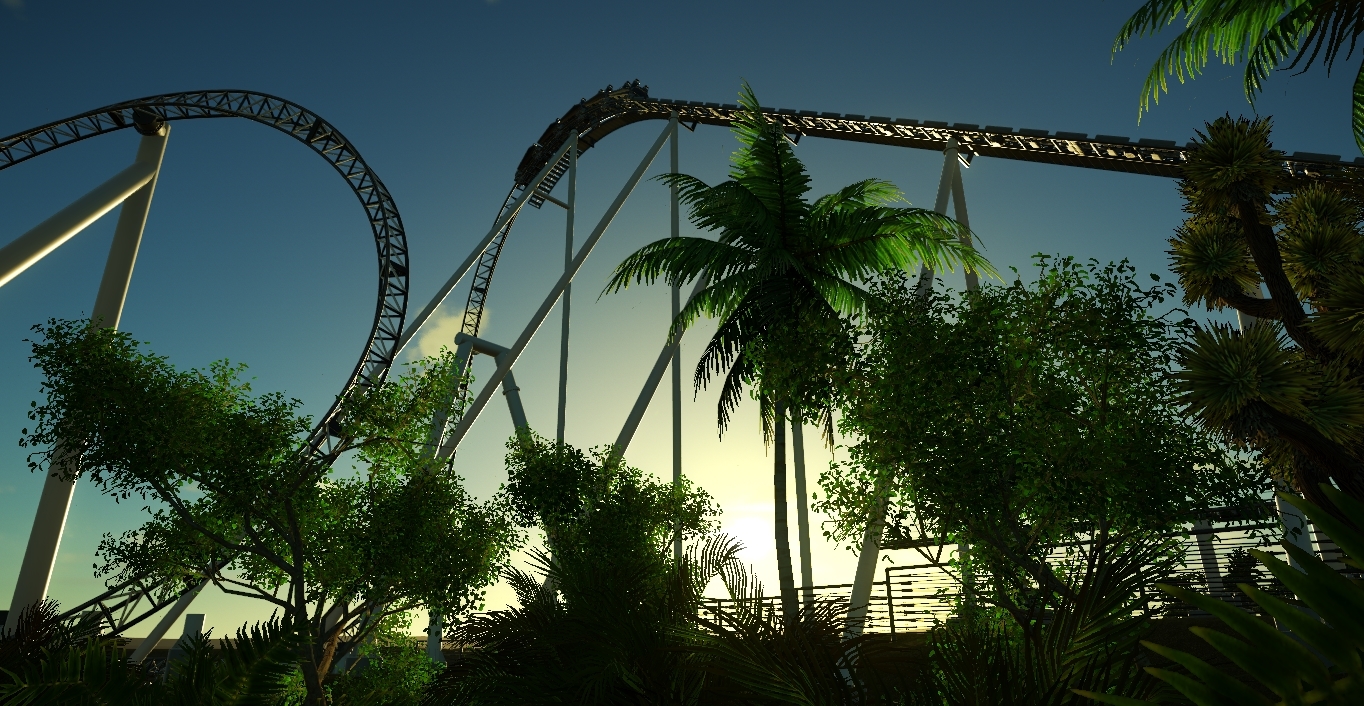
Next Update January 30th 2018
It seems like you're using the default reflections NL2 provides, not cubemaps. The default reflections ignore scenery and, as a result, you get a green reflection from the grass texture for the terrain.
18181 to 18200 of 19724