
Yup, that got removed. You might want to try using a quartic transition instead and do trial and error to get it to 0
All Comments
17221 to 17240 of 19724Filter comments

Welcome back Real
Hi guys. I’ve been away from FVD++ for a few months but coming back has been enjoyable. If I remember, there was a “roll back to 0” option for roll transitions. I know it was experimental but has that feature been removed? If so, any best practices out there for getting track back to flat between elements or before brake runs? Thanks!

Well, often companies have different manufactures, so I don't know why they chose to keep only Clermont.
--
Unrelated, but this behind-the-scene of a ride safety video (namely Space Mountain Mission II) is really interesting:
It's incredible how far they go for like 2 seconds of footage.
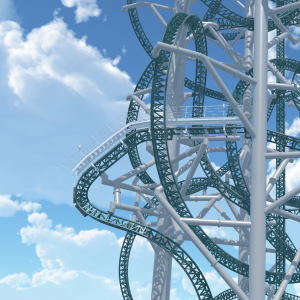
Thought I recognized it.

no. its a poler coaster.
Is that a robot arm mine ride coaster?
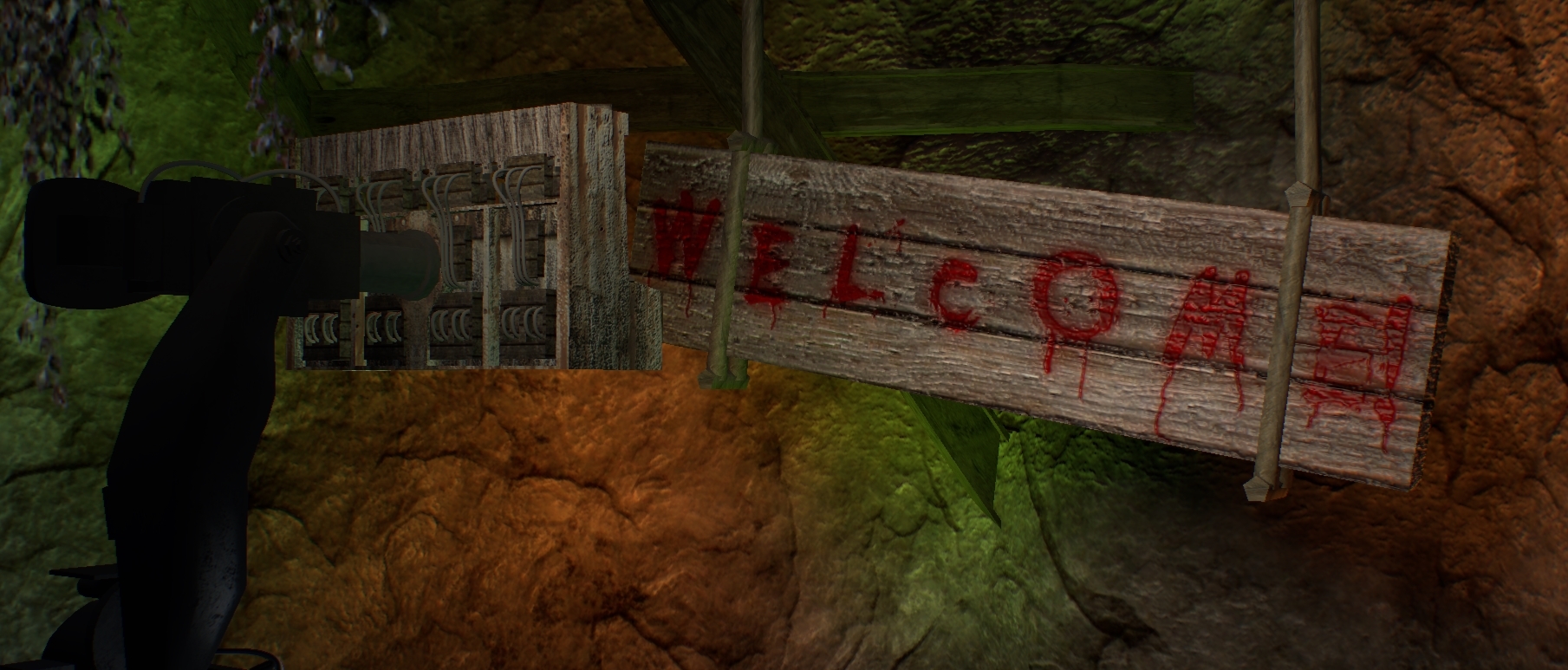

A small video of my Meshuggah concert lighting project
Still heavily WIP

Oh right thats interesting, seems strange to ship from the states to Europe but I suppose having different manufactures would lead to slight variance in rides.?
@bestdani For my ontology its not defined at to design and manufacturer involvement, it was only for a uni assignment.
@KingRCT3 That video is an interesting insight, thanks for sharing!
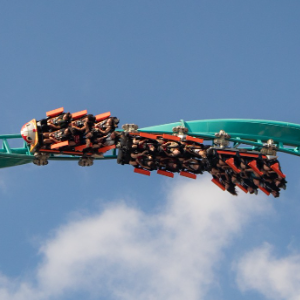
Somehow I feel like this new linnanmäki ride is going to be good :)
Ah, thanks. I was also asking for a lead on tutorials or 'tips' too, but Ill remember that in the future.
I used this tutorial from the Creative Cow forums at: https://forums.creativecow.net/docs/forums/post.php?forumid=2&postid=1033706&univpostid=1033706&pview=t
"1. Apply CC Power Pin to the layer you want to undistort.
2. Check "unstretch," and turn the effect off.
3. Align your four corner points with the distorted image.
4. Turn the effect back on.
5. KABLAMO! The distorted image is now rectangular and fills your comp."
Now, here's some more because that's only one piece of the puzzle.
The trick here is that you aren't doing this for a static image, so you'll have to repeat that process as an animation. Then once you're done, pre-comp that section with the CC Power Pin animation, and apply the Warp Stabilizer effect onto that precomp, which removes the imperfections from your CCPP animation.
It's also worth noting that this same method could be used for NoLimits
Perfect tutorial, I understand well now. Could you please point me in the right direction of an After Effects tutorial on "flattening" the recorded video?
You could have used the Official ASK Thread.
For your Problem. If the viewers complain about the field of View. Press f7 (i think) in the Simulator and Change it. There is a Option Just for field of View which is very easy to Change.
Following the little scene I made the other day, here is a tuto about squinching:
This might not be the best place. But I need some tips on video editing. Nothing fancy, I just keep getting comments that my field of view is annoying. I typically record in ride view for the rattle and airtime feelings and have the quality settings up high @ 60fps. I am not sure what to do considering you can't really adjust the camera in ride view, nor can you 'feel' the coaster to my liking in fly-by-view.

"We are making room for something new.
The old shall yield for the ferocious!"*
Original FB source

*Not official translation but you'll get the point ;)

^ Erm... interesting opinion. I’d easily regard it as one of the best NL2 rides out there, but that’s just me.
Back to Paragon - the level of detail in there is incredible, kudos to you. This ride definitely deserved it’s Roundup 200 place (if not a higher place...). Next time though, for the sake of my CPU, make the trains less polys. :P
Sure. Go with that.
17221 to 17240 of 19724