You have to bring your coaster to the scripted operation mode first, there's a helper package in the script park of NL2 for doing that with just little effort and the scripted coaster in this park is a good example / template for modifying the script for your own usage.
After it runs in scripted operation mode you can start to control your brake and lift sections using own conditions. Have a look at the Scripting API reference for what options you have to control the sections.
To get control of the sections you have to query them from the coaster object like it is done for the special tracks in the example script park coaster script.
Then you basically just have some simple if conditions for controlling the sections, like
//pseudo code

if (blockIsOccupied){
    trimBrakeSection.setBrakesOn();
}

if(trainIsAtLiftTop){
    liftSection.setLiftFwdIdleOn();
}
You can use the "internal triggers" of the sections (also look in the API for the options you have) straight forward like that or you can use track tirggers, which require to use callbacks in your script. There are other example scripts delivered with NL2 that show you how to use it if you need that instead.

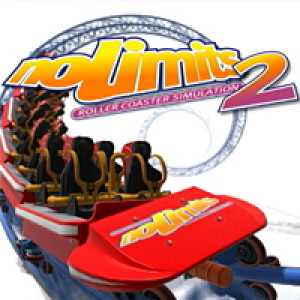



 Wanderfalke by Marvin and me