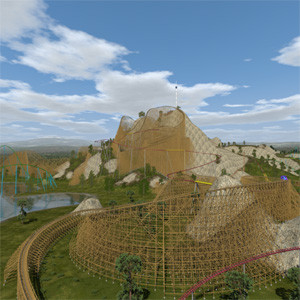
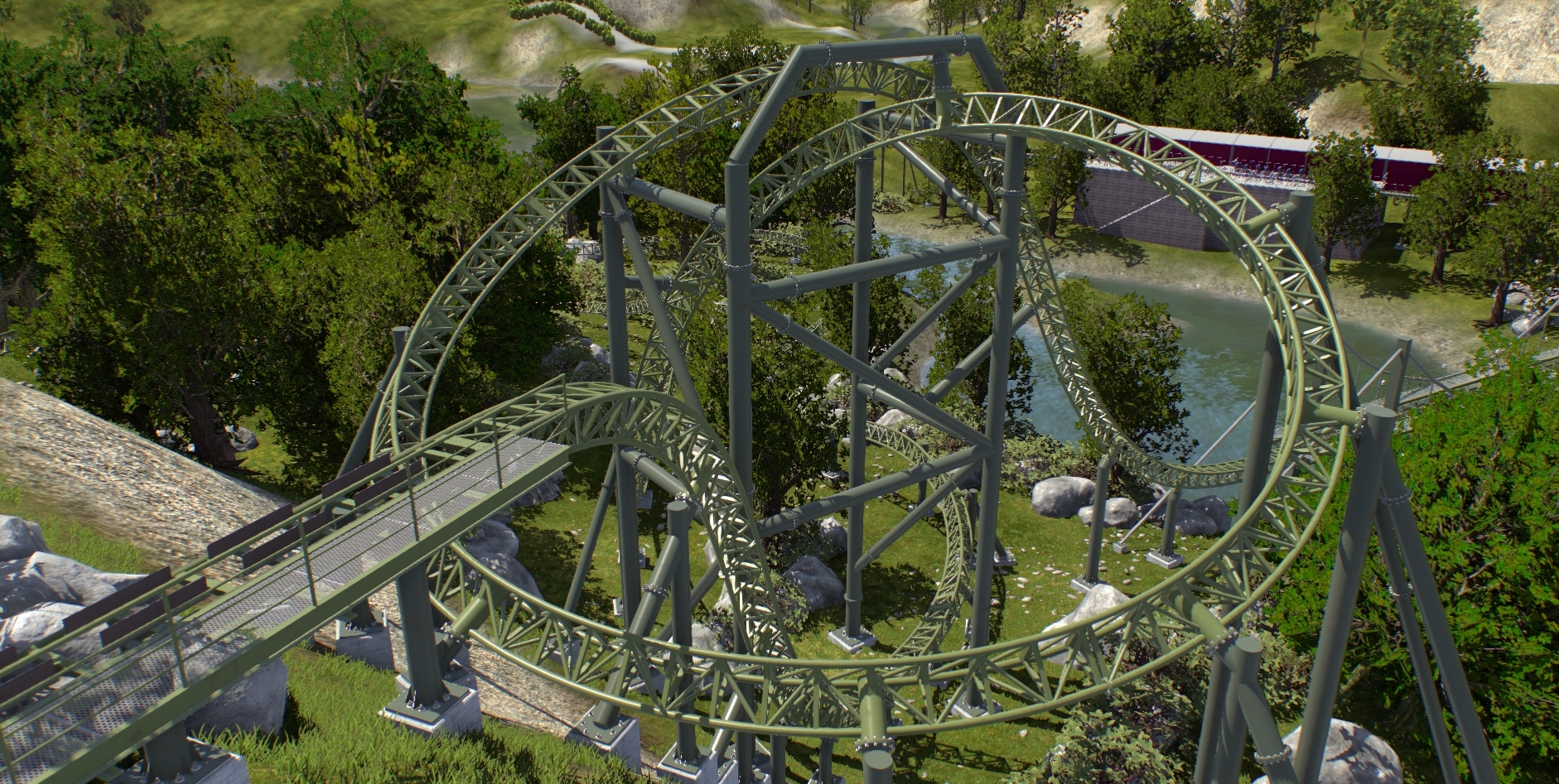
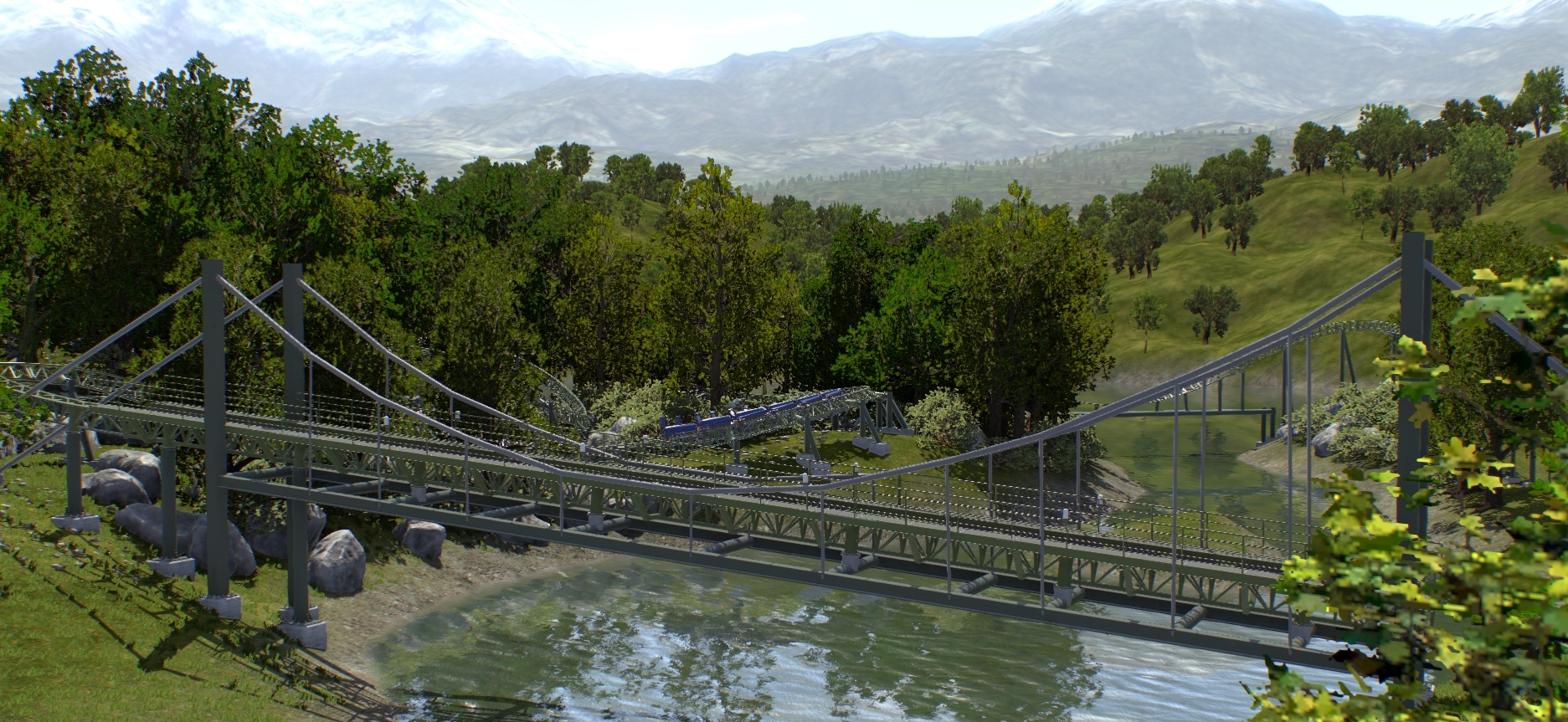
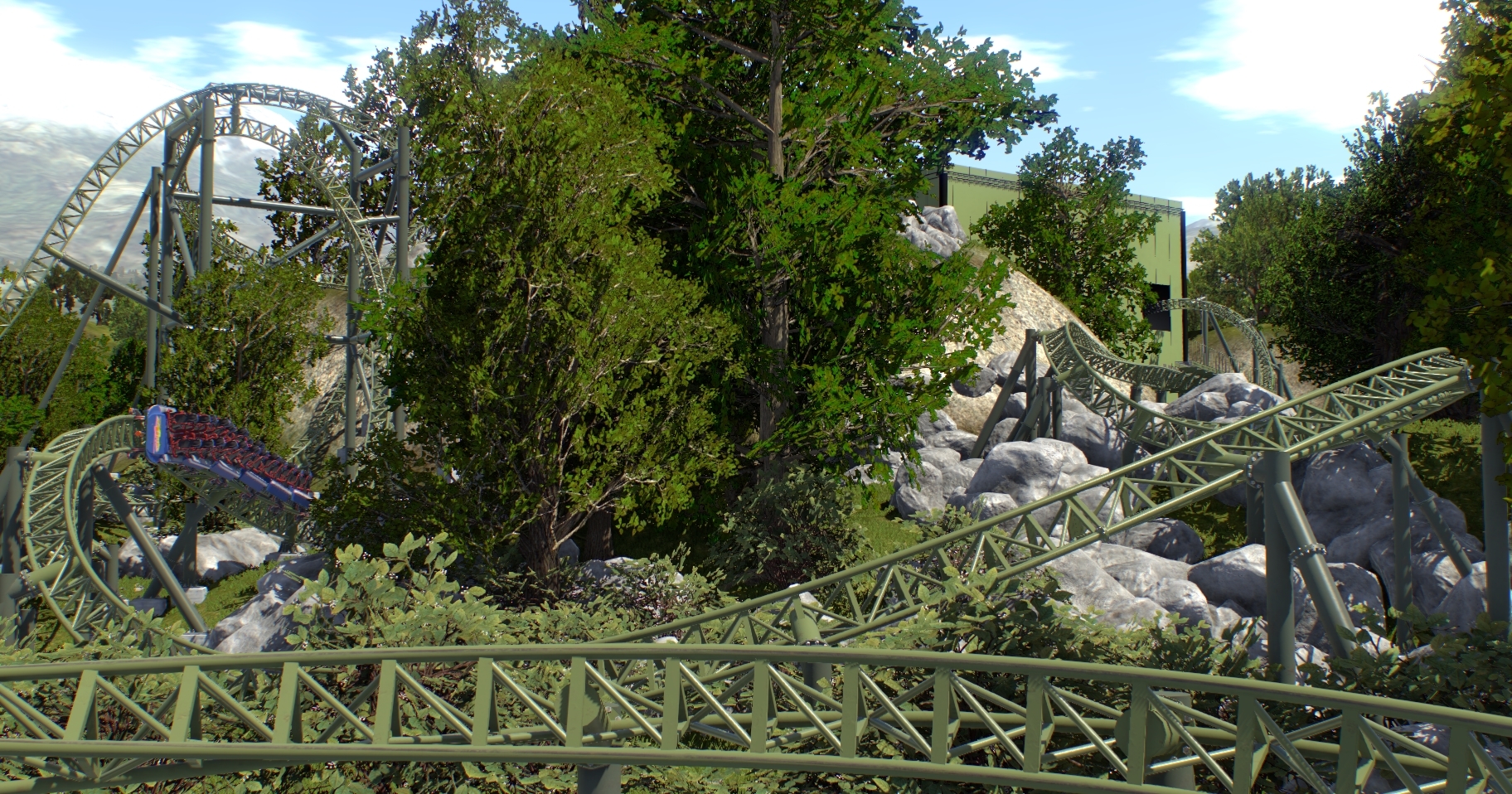
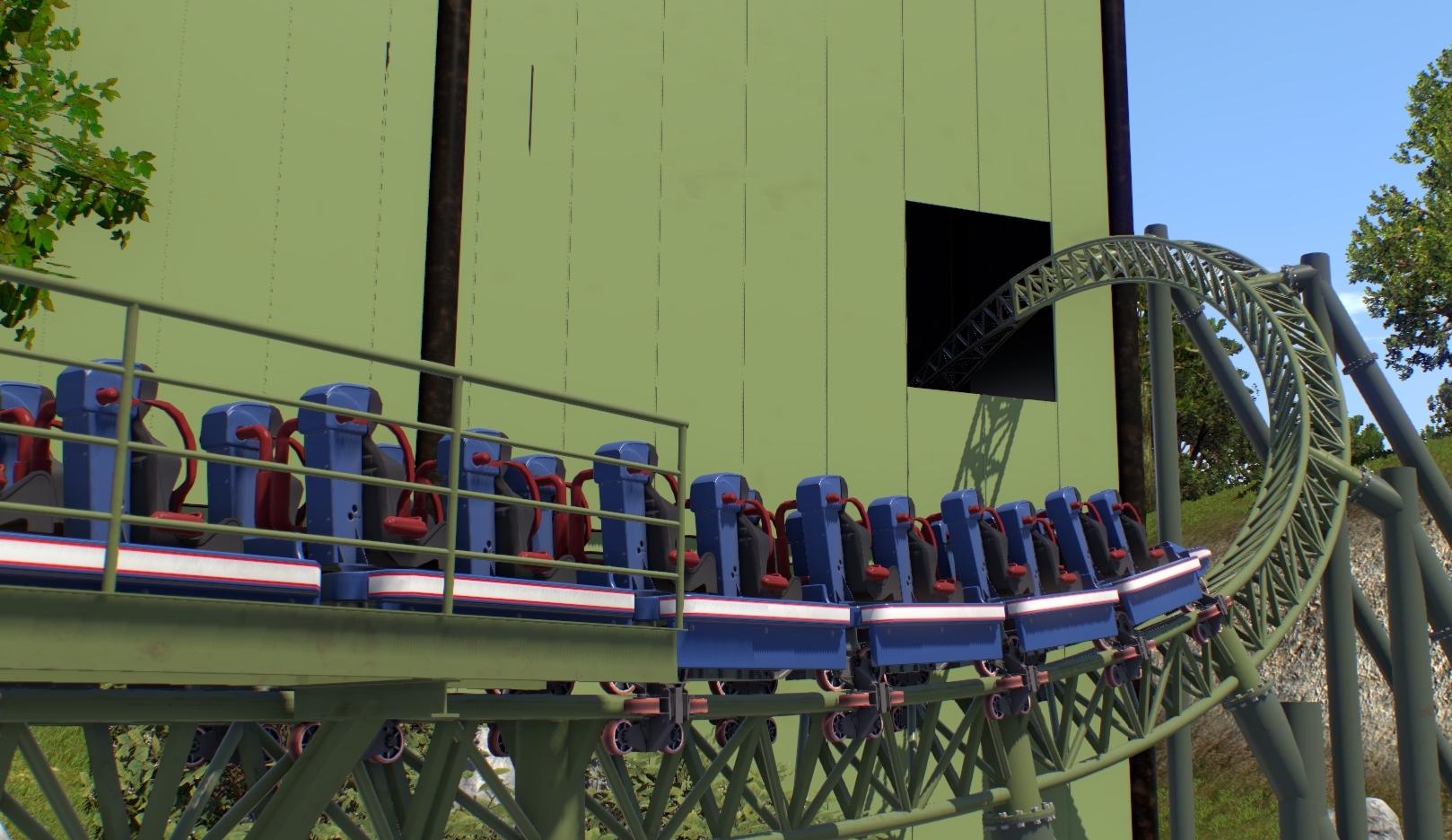
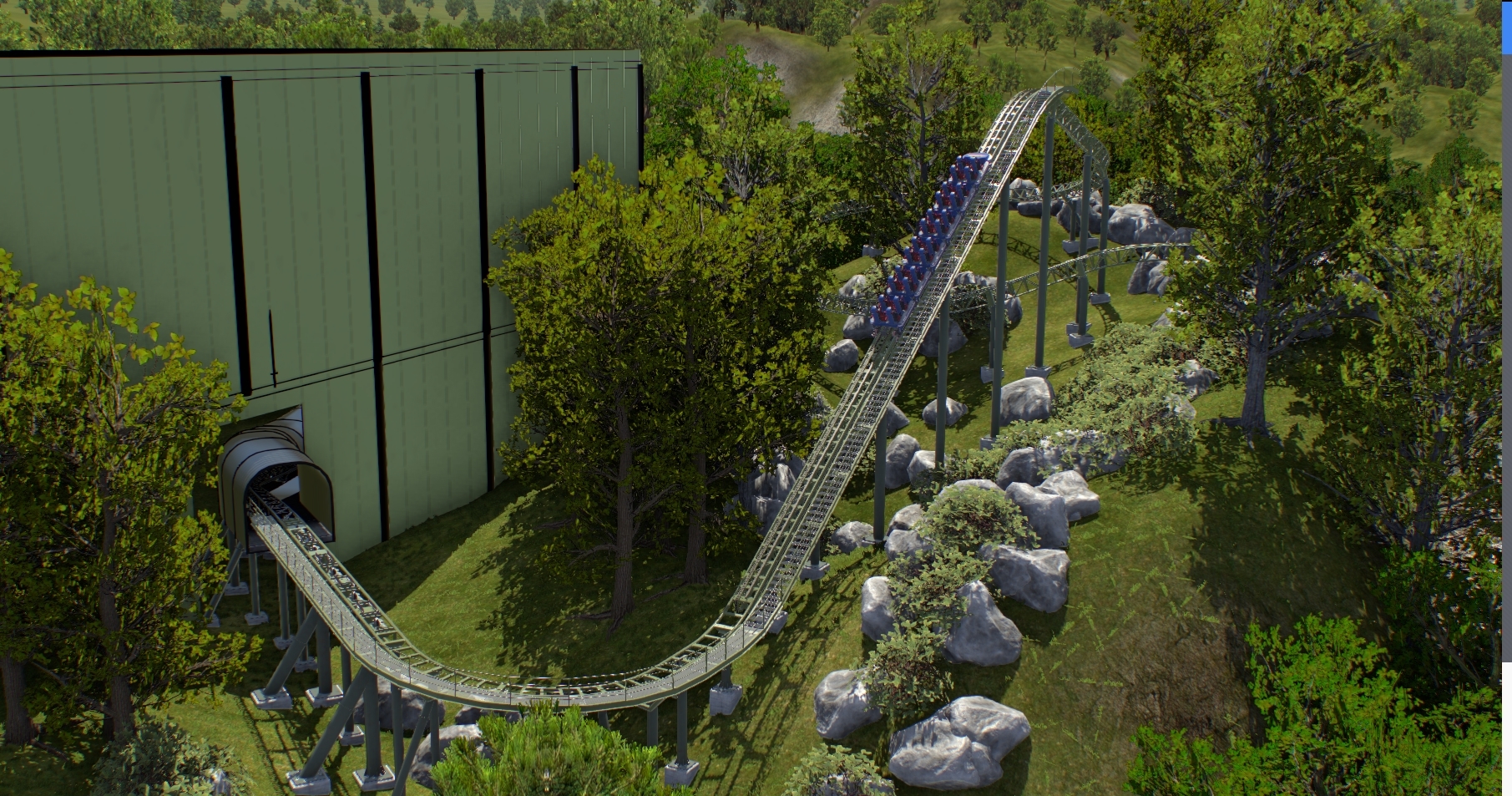
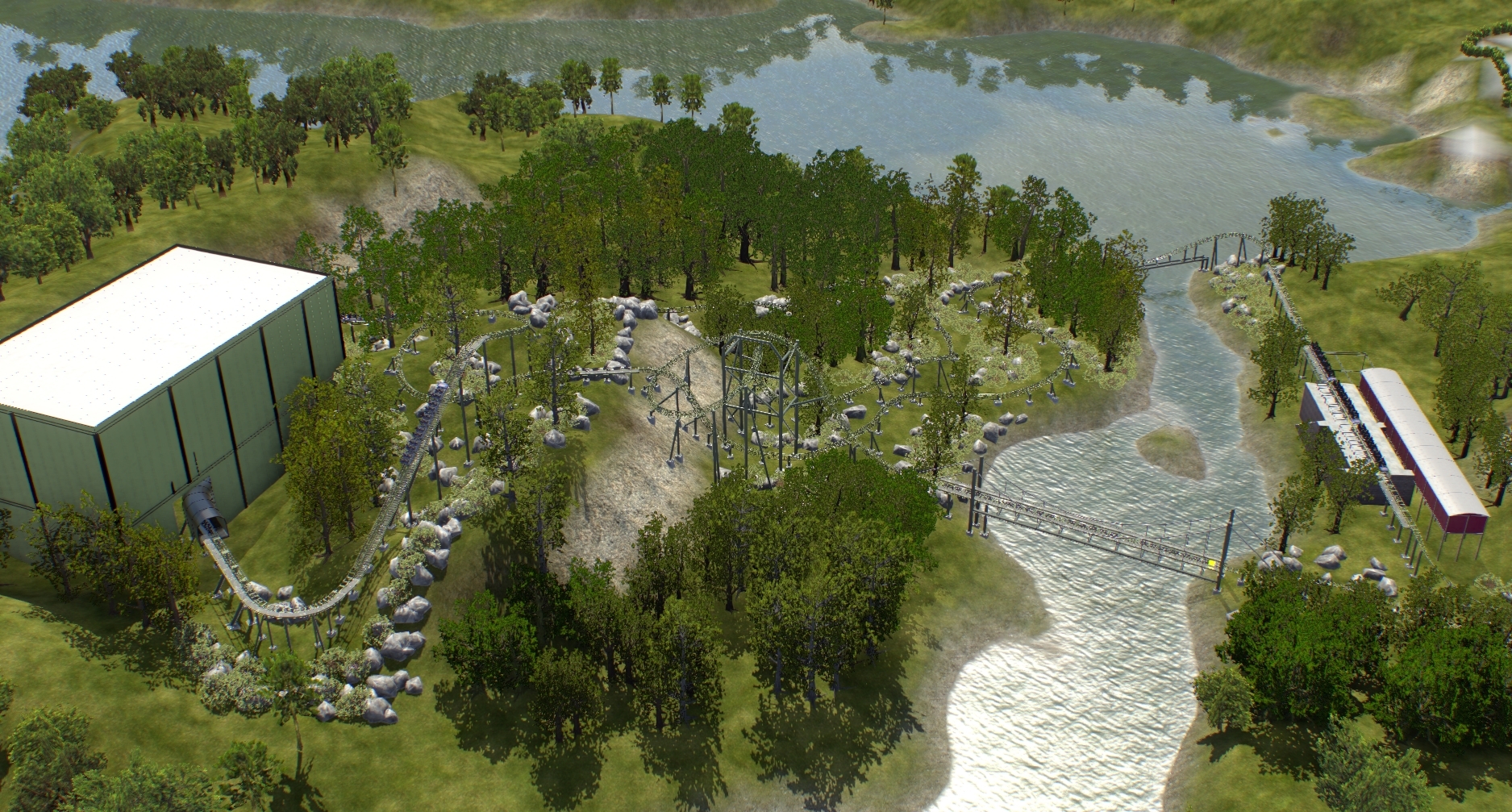
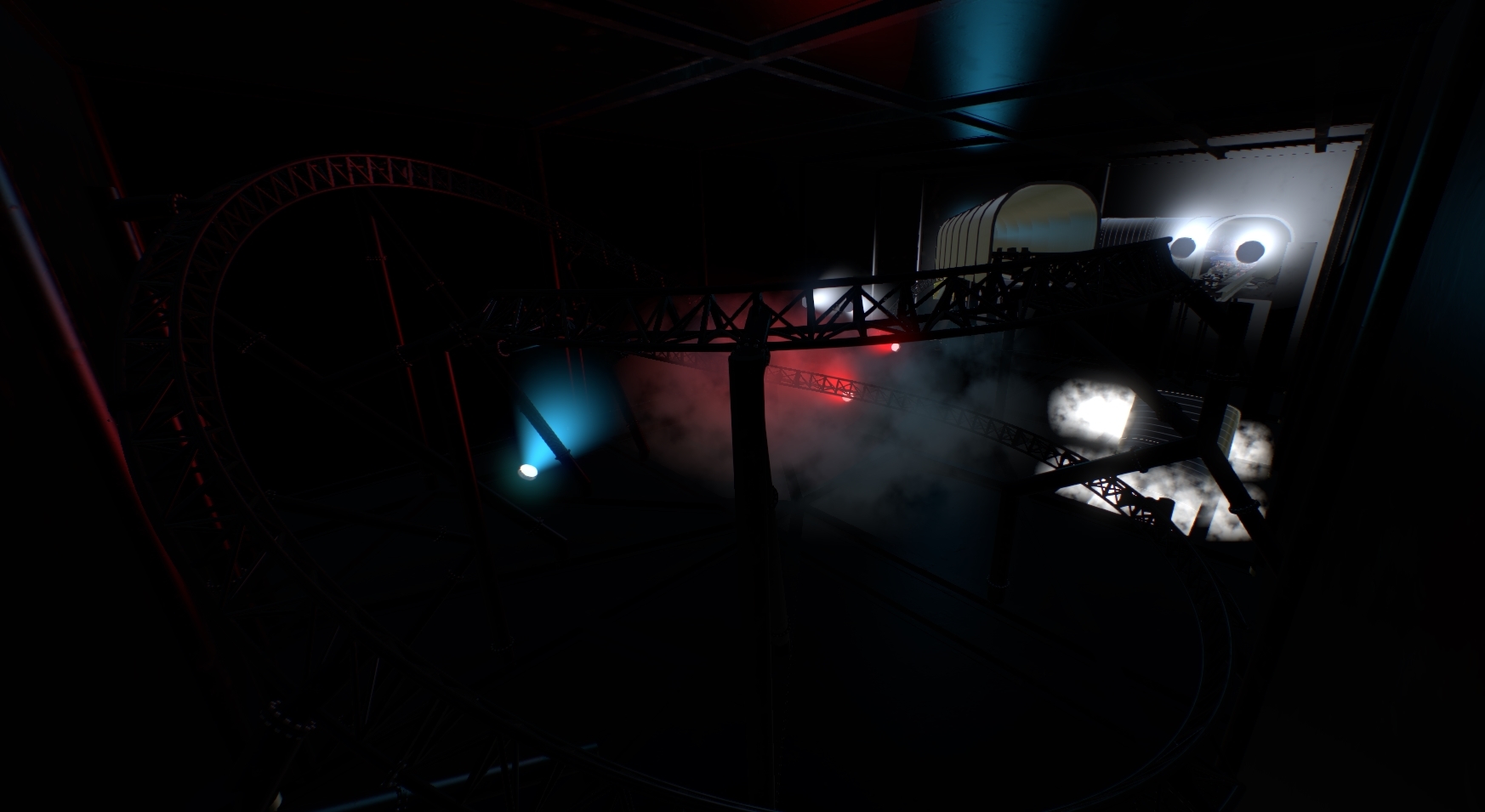
Here's My Entry, "Flight of the Battle Bus" (I'm sorry about the name, I ran out of time lol)

Here's My Entry, "Flight of the Battle Bus" (I'm sorry about the name, I ran out of time lol)
Same here, i made some mistakes in the station area while fixing the capacity at the last moment :(.
If there's a capacity thing next time I'm not doing it, so much time loss x.x
And it's over. Didn't know 5 hours could go so quick
For some reason there are no scene objects besides the trees and the script object. Good thing I wasn't planning on entering anyway.
Well that was fun while it lasted. My computer just crashed. -_-; ugh. good luck everyone else
Oof why can 5 hours go so fast
Place right on the track of your coaster. The first train that passes starts the timer. Every following train will register timing information in the console window, up to the 10th train.
-Ride_Op
ok thank you. I'll try that
You can press ~ to make the console appear.
-Ride_Op
It works in Play mode, where you will then see the console pop up with timed readouts on each passing train.
How do we get the Capacity counter to work? It says place on track, but doesn't do anything.
But I would actually recommend to keep the modifiers unapplied, for a non destructive workflow. What also works pretty good with this is using the smartjoin addon for exporting, which automatically converts even multiple objects to new single meshes while keeping the individual parts editable.
As I said, for avoiding problems with the textures I would not export the textures directly from blender at all.
For the rotation, there are several solutions:
The cleanest would be just rotating a specific element of the scene object instead of setting the whole object, without having looked at at it, i'm pretty sure that this is what the ferris wheel does. Doing it this way, the element and all sub elements would always rotate around the object's local axis.
If the "dirty" solution works for you for now it's fine, if you really want to rotate the sco around a specific axis with a specific rotation order you can achieve this by multiplying the required rotation matrices in the desired order manually in the script. The cleanest solution when you do it that way would be probably done by reading the preset editor rotation at the script startup.
By the way, for just constantly rotating elements one can also use a special material rotation effect instead of scripting or keyframe animations. Keyframe animations can also be controlled by the script, this would allow some interaction if it's needed, this would take away completely the responsibility for managing rotations.
For the not understood problems with doubles. The short answer is just manually down cast it to float as before every time and it will work. For the multiplications when you write setRotation(0, 0, 0.5f * totalTime); instead of setRotation(0, 0, 0.5 * totalTime); it will be automatically kept a float if angle is a float already.
There are strict rules for Java and for NLVM which are probably exactly the same, how expressions get automatically casted to other types. In your case with the double totalTime expression 0.5 * totalTime will be a double since 0.5 is a double.
But totalTime / 2 will be a float since 2 is an integer which will be casted to float before the division when I remember the exact rules correctly.
And 0.5f * totalTime will stay a float since both 0.5f and totalTime are floats.
Since doubles never get downcasted to floats automatically, NLVM will also not do this when you enter setRotation(float, float, double) to use the only existing setRotation(float, float, float) method. But integers will be casted, so setRotation(int, int, float) for example will be casted to match the existing method. There are also exact rules when this happens.
When you wonder why it is this way: It has to do with the inaccuracies when working with floating point values, while you do not lose information when the engine automatically casts from float to double or from int to double you will the other way around, therefore this never happens automatically.
I'm going try to do this while at work... in the next few hours. Likely a no finish, but its fun to try, at least (especially while things are super slow today)!
Edit: Customers took too long to make up their mind on a dining set. No contest for me :(
My stream: https://www.twitch.tv/asianguruu
Discord: https://discord.gg/DpFQHG
Hello,
i have written this lines:
angle = (float)1.570796; // PI/2 = 90°
sco.setRotation(0, angle, totalTime/2);
This is a "dirty" solution. Angle is a private float variable, if i insert the value of PI/2 directly, i get an error message. I rotate the wheel around Z with animation and i rotate around Y to position wheel, this give a correct view in play mode. I have luck because rotation around Z is made obviously before around Y... But in edit mode the wheel is positioned 90° wrong because it will not be rotated by 90° in editor but only in script file. I do not know if it will also work if you have angles other than multiple of 90°.
There must be solutions, how does the ferris wheel work? It rotates by a horizontal axle and can be positioned like all other scenery objects including rotating around Y by any angle. Are there switches to set that an object animates first by script and then is rotated, scaled and translated as in editor adjusted?
Best regards
My Stream: https://youtu.be/TSbqN7lja8k
Goes live in 20 mins.
Discord again: https://discord.gg/DpFQHG
U can set the rotation in the SCO editor, maybe that helps.
For the rotation, u can use the emergencylight script and modify it.