
That was the issue, just unwrapped it and it works, thanks!
All Comments
13261 to 13280 of 19729Filter comments
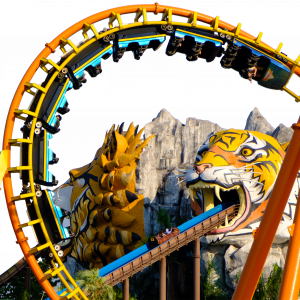
Fantasy Island's Millennium?
Have you UV-unwrapped the mesh?
Well, I tried the NL2mat editor but it's clear that I probably need to learn how to work with that editor
Without NL2mat texture

With NL2mat texture

Texture

Space Mountain Mission 2
I got the actual date of the reprofiled ride. It had the curved drop and extra bunny hop from 1930-1932. After that, it was what we're familiar with.
I am working on the lateral supports. I've also finished the tunnels. Almost finished with the whole thing. A video will come soon.



I did not realize how much a bumb/normal map can stick out of just a flat plane

^^ This looks promising, I'd suggest you also try to apply some textures soon.
Here are some great tutorials and explanations about the materials in general and specifically in NoLimits 2, where many things are explained already.
In a nutshell:
Bump and normal maps are conceptually the same. They help to represent a deformed shape on a flat shape and pretend, as if the light on them would be scattered like on the original object.
You can get them for example from scans of real materials, some material creation tools or texture painting tools can generate them and typically you can bake them from high resolution objects in almost every 3d modelling environment.
In a bump map you store the displacement of an object (the greater the distance a point from the sphere is away from its ground plane, the more white it gets):

On a normal map the normal direction is stored, this is symbolized by the arrows and with a normal map the flat object pretends, as if its normal arrows would be like the ones of the sphere:

A specular map defines how bright specular reflections are. In this example the ground plate uses a full bright specular intensity while the "stones" use a lower specular intensity and I show the specular map on the plane above (note that the specular model gets outdated and more and more a models that use roughness and metalness is used).
 .
In NL2 you can assign the bump map for example by opening the material that the plate uses and assign it a s a texture slot:

You also have to set that this texture slot uses it as a bump map (just play around with the height scale until it fits your needs).

You also have to set the lighting mode of this material to bump lighting and I would also recommend to add some reflections that are also affected by the bump lighting

Result when using the bump map:

Result when using the normal map:

For the specular map you have several option, but you cannot apply it directly, look at the more detailed tutorials mentioned above how to apply it. Result with the specular map from above. 
And as a final goody the result with the specular map and a new normal map from the "stones" (I want to emphasize that the object is still a flat plane)

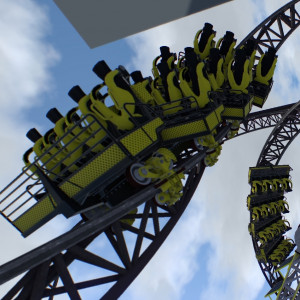
No
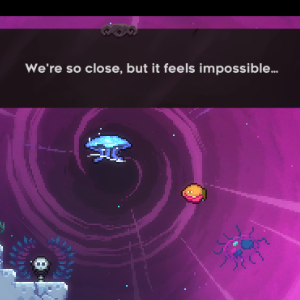


My newest coaster in Jamp Up Land!


Adding a loop , maybe a watersplash ?


Doing this :)


Viper at Six Flags Magic Mountain
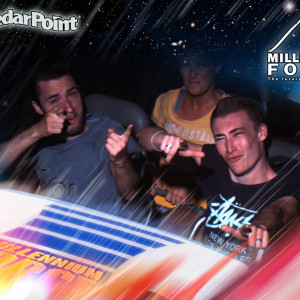
Hello, a bit of a noob question I know, but I was just wondering if somebody could please explain how to add a bump map to the textures used in a 3D model that has been imported from Sketchup? I've been trying various things in the MAT editor but to no avail unfortunately. Also, if someone could explain the differences between bump/specular/normal etc maps that would be great!

I tried Blender, and it turned out okay I think
(Oh and yes, that wheel is animated)

Any ideas how I can finish this?
Nope
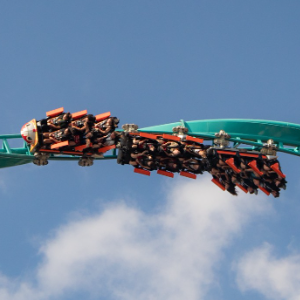
Completely random guess but Nessie?
is it possible to lock the NL2 home screen in VR mode?
it is difficult to trigger the commands on the computer screen when another person uses the Oculus VR
13261 to 13280 of 19729