

Dani, i did type that text into the correct tab and gave me error in line 1.
All Comments
13121 to 13140 of 19729Filter comments

Cool, thanks Dani. I'll give that a try. Saves me having to modify and re-export the model, lol.
You see, i don't really know that much about the custom shader core. If i had better knowledge on how to go about using it, i could probably use it to do some nice stuff.
Alpha channel sounds good, but instead of using it for transparency effects (which are often slow), you can use it to change the specular (reflection) amount on the single material directly.
A quick mockup with the screenshots from above:
When you use the following reflection settings:

You can use the alpha channel like this in a custom shader:

There are many more similar possibilities, if you rather like to control the material by metalness and roughness you could do it like this for example:

Element 115 posted on October 20th, 2018
Working on one of a few train chassis setups for new custom coaster system. This will be the 4 - across seating version.
Looking nice there, Element.
I have a question for anyone who can help me. It's about the badges on the car bits for my Viper ride.
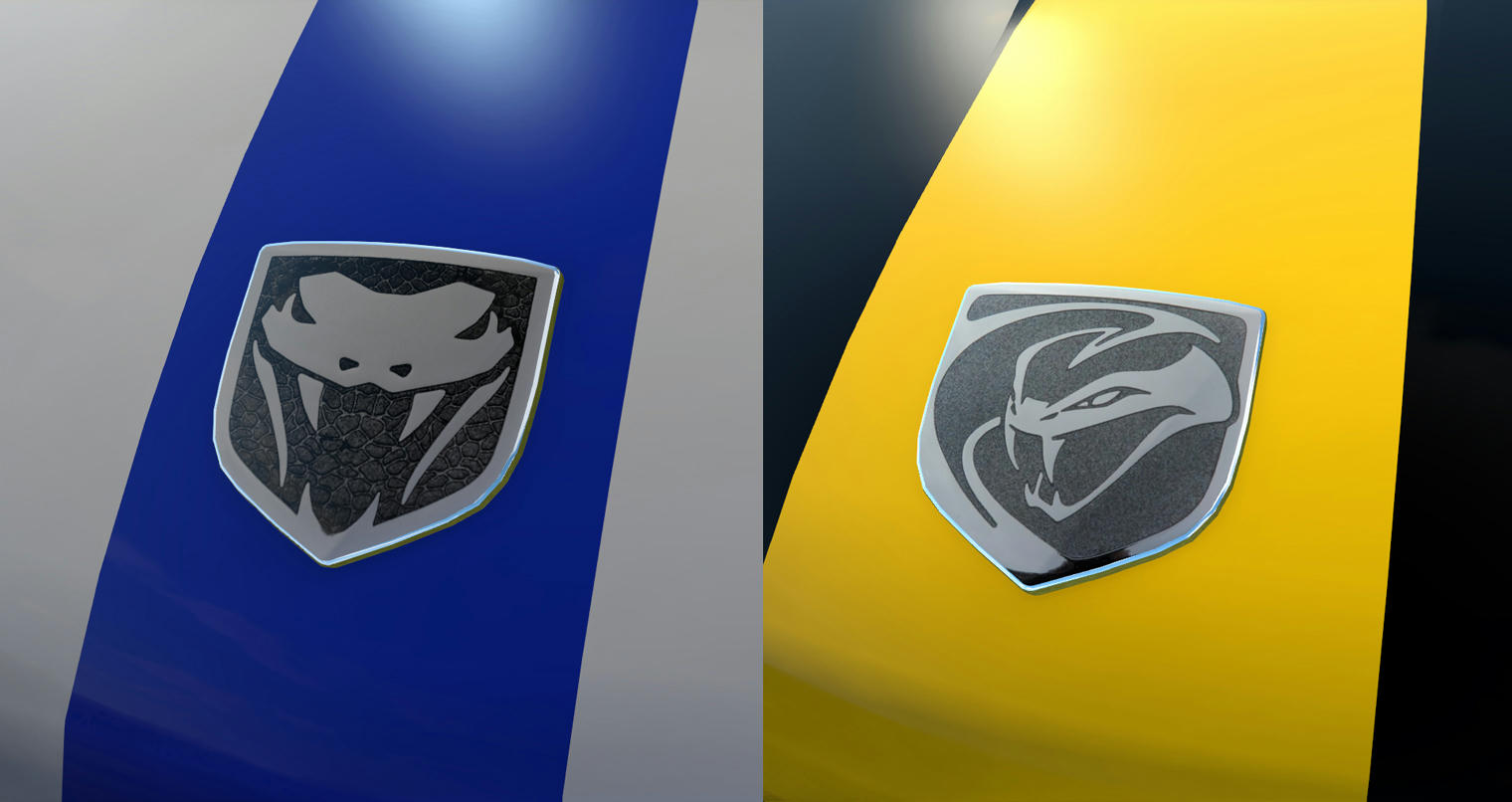
I'd like to change the light grey sections of the badge texture and have them as a chrome NL2mat i did up, like i've used around the edges. So the snake logo is in chrome, like the real ones.
Now, i have an idea to try involving adding a separate face using the chrome NL2mat slightly offset behind the logo texture plane, and modifying the image texture to use an alpha channel, so you can (hopefully) see the chrome NL2mat through it.
But i'm just wondering if there's a better, easier, more efficient way to do something like that.
You got it. I was standing on the brake run when I took the photo.
Can you make the geopanic trains with the seat cages? !http://www.themeparkreview.com/japan2004/geopanic2.jpg
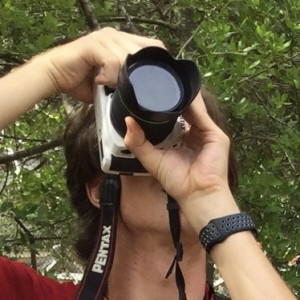
Prowler?



Working on one of a few train chassis setups for new custom coaster system. This will be the 4 - across seating version.
It's real. I'll give you a hint, I was standing on a piece of track when I took the photo.
I'm thinking of making one of thoses arrow loopers with strange roll banking transitions, should i use linear functions for roll ?
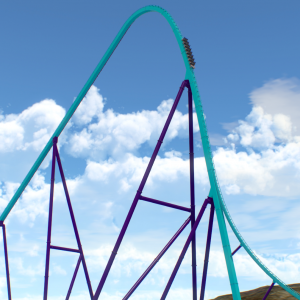
Mystic Timbers

I can see that being a 3D render, hah!
Wodan @ Europapark
No one has guessed it yet.
This dark theme is sweet, I know you don’t need my approval, but I approve. It especially looks good with the coaster picture up top. Well done.
The entry form is now ready:
Official Roundup 250 Entry Form
This is the only method to submit an entry for Roundup 250. Official rules are contained within. This link is also available on the first post of this thread.
-Ride_Op
Mammut at Erlebnispark Tripsdrill?
Joris and the Dragon @ Efteling


Balder at Liseberg
Not Colossos.
13121 to 13140 of 19729