What's in a Station?
So, the station, brakes, and lift setup: the one thing every coaster has. In this first step, I’m gonna teach you everything you need to know about taking this first step in creating your new GCI!
For the first step, we need to actually create our coaster. So that the station gates released later in this tutorial will work, please name your coaster “GCI” and create your station out of this coaster. Before placing any nodes, set the custom heartline to 0.85m or about 2.65ft, the friction to NL 2 (Not NL 2.2), and the coaster style to wooden trailered 2-seat.

Depending on the size of your coaster, the train length and block lengths will differ. If you have a 12-car train, your station block should be 57.75ft or 17.6m. If you have a 6-car train, your station block should be about 33.75ft or 10.3m. These lengths will also carry over to your transfer track. To check your station block length, select the station and look in the bottom left hand corner, it should clearly display your block length. Your station should be no more than 15-20ft off the ground, or 4.5-6m for my metric friends. Place 4 nodes, 2 loose and 2 strict in the middle, and space your station apart and place it where you want it until you get something that looks like the picture below.

After this, go to the side view of your station platform and give it a slight decline. Nothing super crazy, just a few degrees will do. This is so that the train can coast out of the station.

After you’ve done that, it’s time to place our transfer table. I recommend looking up a few basic station setups for a GCI coaster, as there are plenty of ways you can place the transfer and the lift relative to the station. For mine, I decided to go with a setup similar to Prowler at Worlds of Fun, with the transfer track just a short bit away from the station. Your transfer block should be the same length as the station.
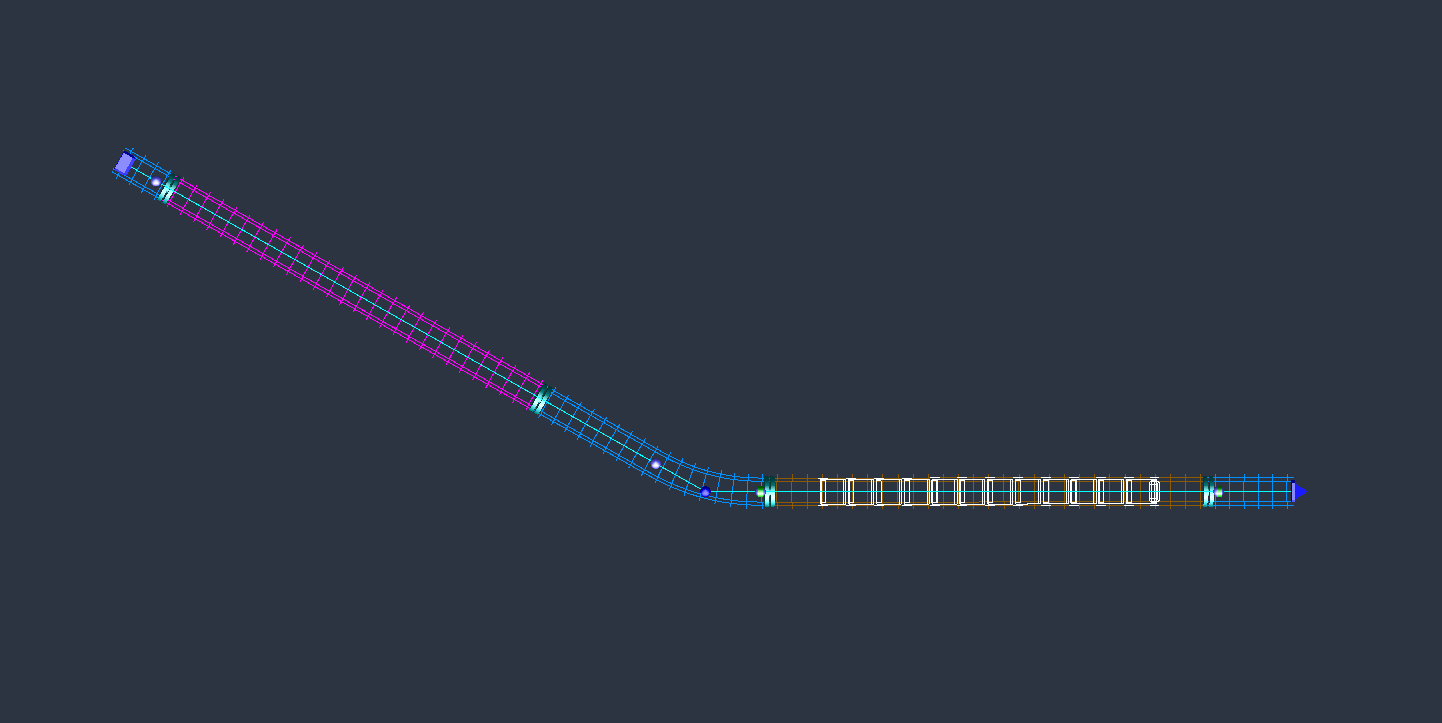

For comparison, the transfer blocks on Tornado look like this:
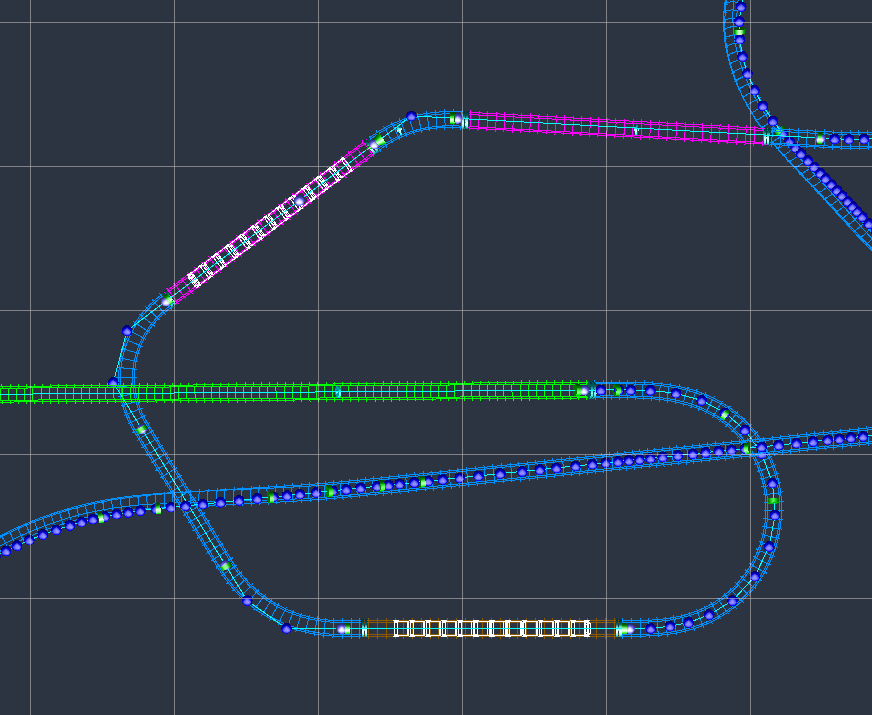
After this, input these settings into both the station and transfer blocks. Put your game into the metric system for a hot second just to get this done. Assign Train 1 to the station block and Train 2 to the transfer block. Never have a train start on the lift or on the final brake run.


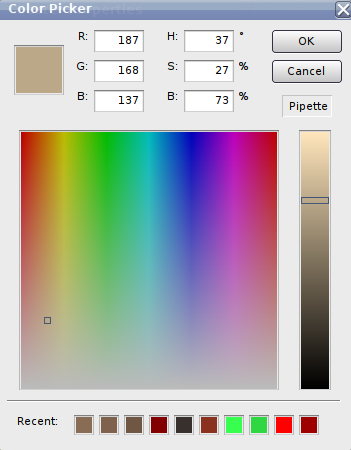
For coloring the ride, this is the color I use for the wood on the ride.
After that, freeze it up, and pat yourself on the back, because you’ve just created a GCI station block. I'm sorry I couldn't do more - these take a little while to make and going as in-depth as I am will take some time to fully cover everything GCI. Stay tuned in the coming days because the next post will be all about prelifts, lift blocks, and lift crests. The post after that will be drop shaping and hill shaping.
Thanks everyone, cheers!!