
Hello, I'm French and I don't speak very good English. I can't start Nolimits2
i get an error message saying "The program couldn't start correctly (0xc000007b) Click OK to close the program
All Comments
7201 to 7220 of 19729Filter comments
what are u trying to do
I just bought nolimits 2 and I can't get started
I each time have a code '0xc000007b' I tried a download and install a second time.
I'm in Windows 10
I tried with the 1903 version then with the 1909 version and it doesn't work.
Thank you for your help
working on the exit, photo, and art queue
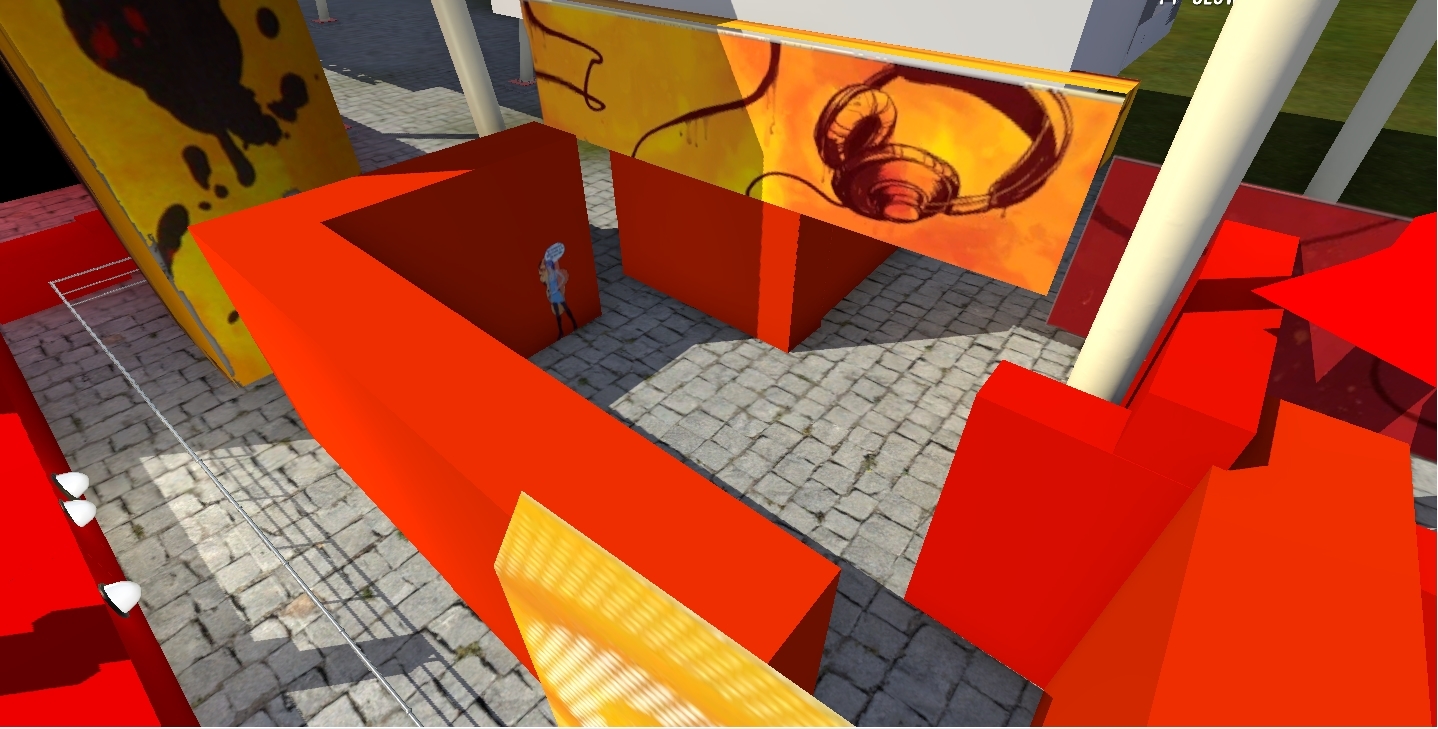
i have the thrill lights set that u can add for your Hollywood Rip Ride Rockit trains
you are to good and how did u have the speakers on the seats of Hollywood Rip Ride Rockit
Update- add the time wait and the warning sign and lights
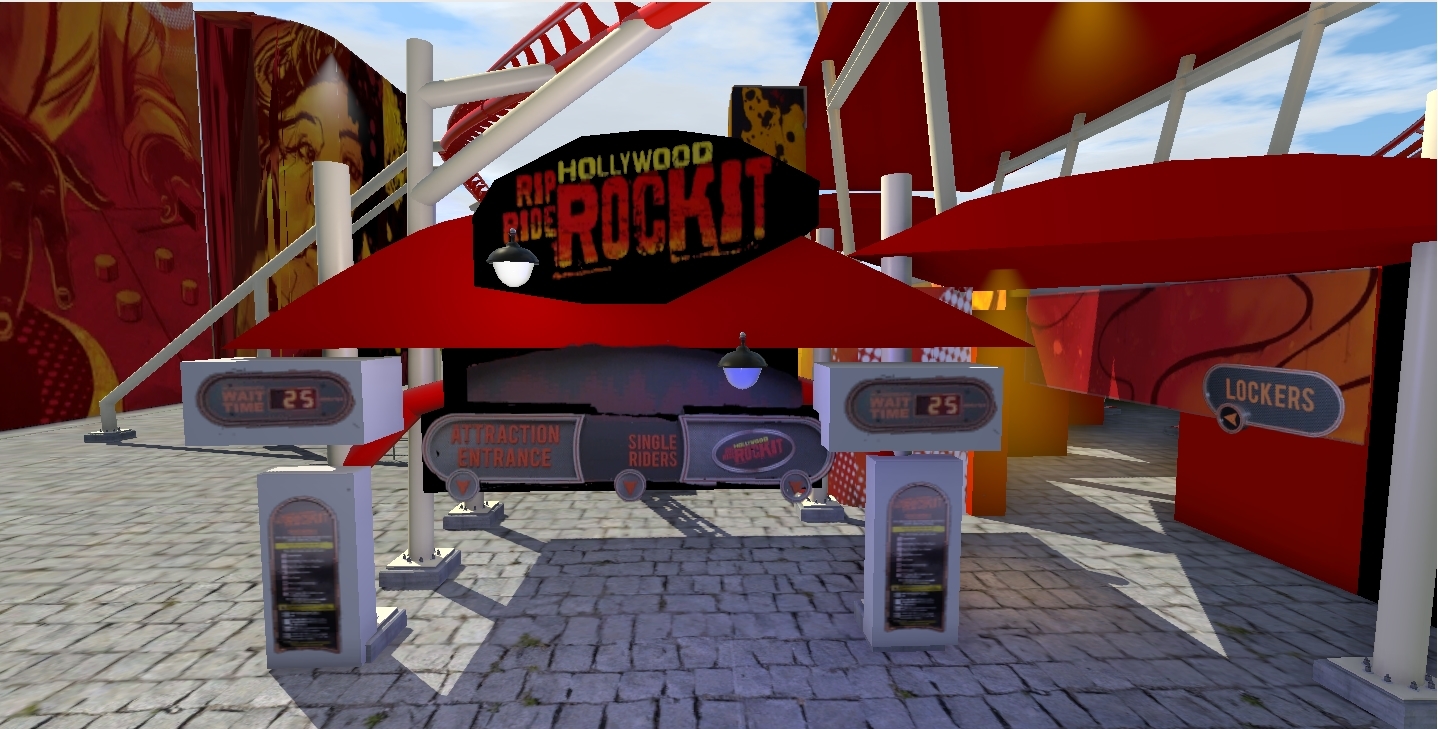
Update- on your thoughts, do u like the queue area
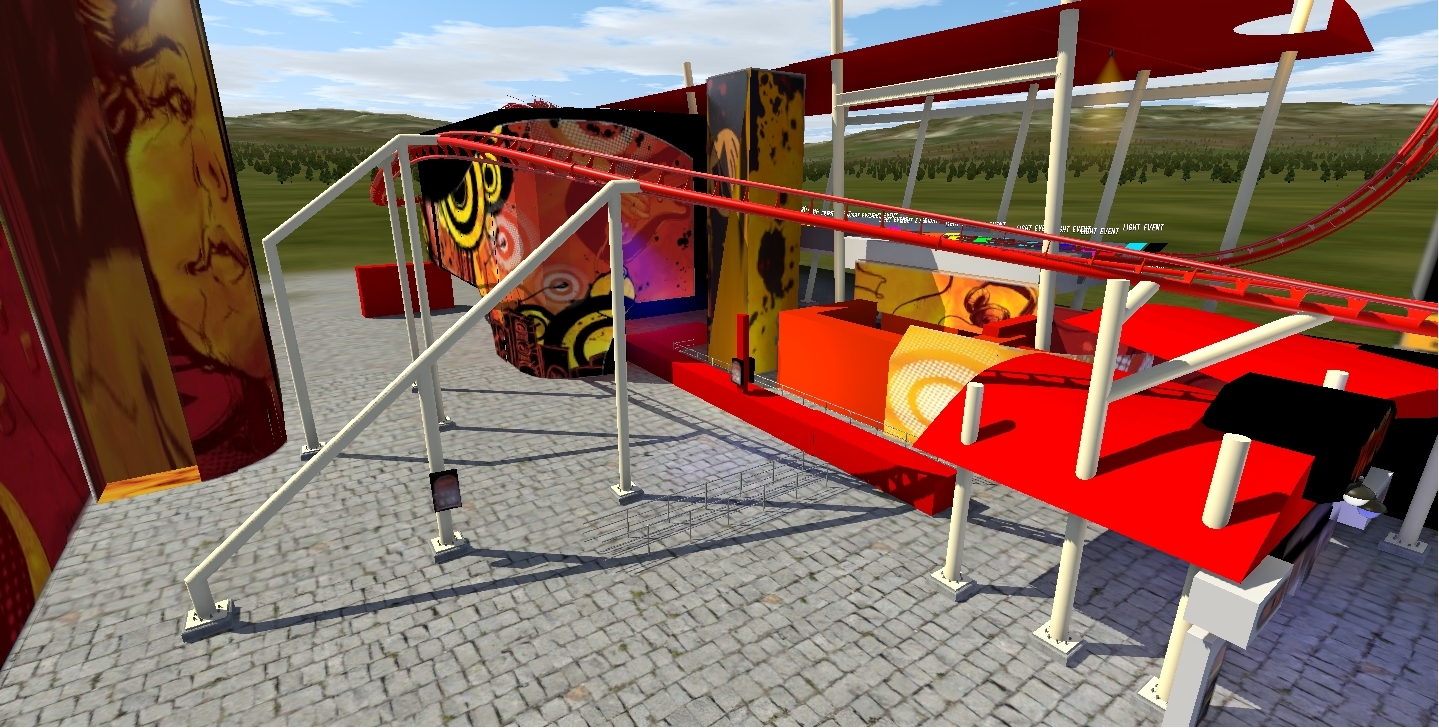
GENIUS for all types of coaster
Yedrimas posted on May 1st, 2020
There it is, but it's old. You should consider using Bestdani's instant animation.
Sadly I don't have NoLimits 2 on steam, so I can't download from the steam workshop. Is there another download link fór the instant animation tool?
Coastin' Dave posted on April 29th, 2020
That's really cool! I have the track made exactly to specs if you want it. I measured the entire thing out from google earth.
heard of blender
Coastin' Dave posted on April 29th, 2020
The track isn't quite right. I saw you have a nice scenery model started. I have the track made exactly to specs based directly on google earth images and 3D profiles so it's about as exact as you can get. I'm busy with my Rock 'n' Roller Coaster recreation but I don't mind sending you my track if you can do it justice.
i saw you and project sunset doing it, keep up a great work but i got other video after but did some fixes of it on my youtube channel and maybe u and me work together on this coaster, after u done working n the rock n' roller coaster coasterman channel
Ehm... Why not ask him yourself?
The easiest way is by using 3d Max
Thanks for the feedback!
Soko posted on May 4th, 2020
That last inversion does look a little tight. Is that a hyper stand-up?
It is a twisted floorless coaster. I wasn't very satisfied with the entirety of the back half of the ride, but for the purposes of practicing FVD I was determined to finish it out to see what I could produce. I am planning on revising the whole layout again.
FrankLeeMadere posted on May 4th, 2020
Looks like you're getting a good handle on FVD. The layout isn't very realistic, though. The pre lift turn interacts a little too closely with the next block, especially at a spot with such high speed. As far as hitting the manufacturer's style, the loop and the corkscrew look good, the rest is a bit off to be honest. That second inversion doesn't seem like anything B&M would do, especially for a stand up. Looks like serious whiplash there!
Also, think forward about supporting.. what are you going to do with that mess of track over the station? Looks expensive to support, hehe.
I would also recommend trying to keep your speed down entering the MCBR. Want to take full advantage of the kinetic energy provide by the lift! You'll also want to make sure it can clear the next block if it does have to stop there, and the slower it enters the brakes, the better chances you can achieve that without showing the train down at all on the MCBR.
Keep up the good work though; definitely showing promise and control with FVD!
My goal for this wasn't to achieve realism in any kind of way, as I am still finding it challenging to be more deliberate with my control over FVD. I do agree that the pre-lift turn is problematic. I used a force section to create that. Should I use a geometric section instead? I was thinking of bringing the height of the whole ride down, as it is now I do feel like it is too intense of a ride. I general kind of aim is to keep the overall layout in plan fairly compact, as if it were built on a smaller plot of land.
I was having such a hard time with that second inversion, in my mind I wanted to create a cobra roll, which I understand is not easy to make. I have been following along with some tutorial videos on how to make them but was unsuccessful.

Looks like you're getting a good handle on FVD. The layout isn't very realistic, though. The pre lift turn interacts a little too closely with the next block, especially at a spot with such high speed. As far as hitting the manufacturer's style, the loop and the corkscrew look good, the rest is a bit off to be honest. That second inversion doesn't seem like anything B&M would do, especially for a stand up. Looks like serious whiplash there!
Also, think forward about supporting.. what are you going to do with that mess of track over the station? Looks expensive to support, hehe.
I would also recommend trying to keep your speed down entering the MCBR. Want to take full advantage of the kinetic energy provide by the lift! You'll also want to make sure it can clear the next block if it does have to stop there, and the slower it enters the brakes, the better chances you can achieve that without showing the train down at all on the MCBR.
Keep up the good work though; definitely showing promise and control with FVD!
That applies to next weekend. Sorry for the delay folks.
-Ride_Op

for future reference, there is an Official Ask Thread for short questions like this that don't generally require starting a new thread
That last inversion does look a little tight. Is that a hyper stand-up?

How can I make the NewGen Vekoma Style track. I got the train models and know that I should use the Motorbike Style. But I'm not quiet happy with the track because it's not 100% like the new track.
I've never made a custom track for any coaster so is there an fairly easy way to do it?
7201 to 7220 of 19729