
This one just came up while is was working on my project: Test seat objects!
All Comments
5941 to 5960 of 19729Filter comments

One more of Astilla by me
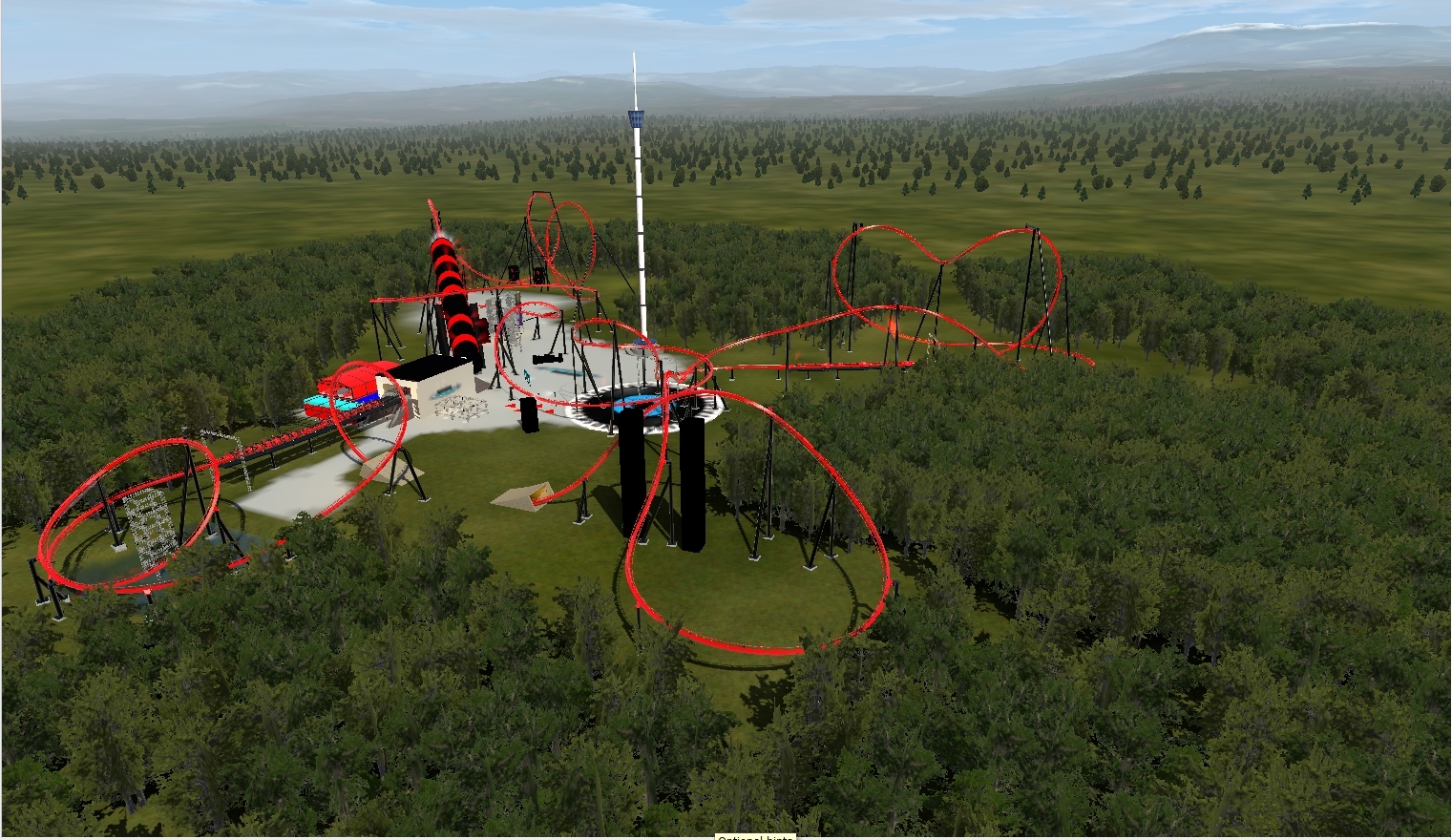
Here's my latest project. A compact launched invert. It's been a long time since I've completed a project in Nolimits (the last one was Copperhead in 2015). I started a couple of projects since then, but just didn't have the motivation to complete them. I came up with this layout a few months ago while being stuck at home due to the whole global pandemic. It's taking me a little bit longer to finish the supports, heh, but this is what I've done so far. Still trying to figure out how to support the top hat.


I got them working. I had to name the coaster correctly.
So I've got this slightly obnoxious 300-foot Christmas tree I've been working on. I've made it glow, but I would really like to see it change colors. It doesn't need to do anything crazy, just rotate through like 5 or 6 colors. What's the best way to achieve that?

(Yes, it is the Golden Heights Map. What can I say, I love working with the terrain.)
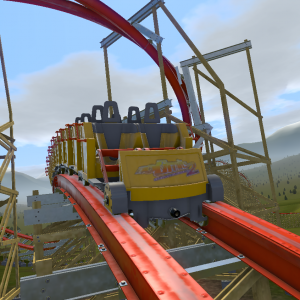
Also, for the final brake, make it activate later on the the train so it doesn't stop when it is half way off the brake run. Btw, I have a coaster with the exact same block set up ("Stargazer") if you want to check what settings I did for it.
Jetcoasterfan posted on December 15th, 2020
I am trying to get the togo trains working on my coaster but they do not work. ` I get this error.
Exception: NullPointerException
at public bool Car.onInit() in file C:\Users\jetco\Documents\com.nolimitscoaster.nolimits2\Chaoshan Kung Fu Tea Buisnessare Talks Chess\Loop Screw\Cars\Car.nlvm in line 118
at public final void com.nolimitscoaster.Script.run()
You have to open each of the script files and right in the beginning where it says "String coastername = "Loop Screw Coaster";", change that to the name of your coaster.
Jetcoasterfan posted on December 15th, 2020
Is that why the Togo trains will not work?
idk do u have discord and i can help u
Is it possible you could add a progress bar for Finalize Coaster? The process takes a really long time and a progress bar might put users' mind at ease.
Let's just drive to the park
To see the tracer lights
Let's just drive to the park tonight
Never Roundup, 358
Never Roundup again
Let's just drive to the park tonight
You create it, you share it, we feature it!
-Ride_Op
The lift hill automatically stops before the train reaches the top if the block ahead is occupied. If the lift hill keeps going without stopping, it means that the ride knows that the next block is clear, whatever that is. As that train cycles around the track, it inevitably must pass through the block border, which should trigger a warning about multiple trains on the same block. This is what keeps the brakes closed, which then causes the collision.
How to find the issue? Well, you can see where the first train is when the occupied block warning happens. Or in the editor, you can change the comb view to show the blocks. Color coded sections will show you where all of your blocks start and end. If you have things set properly, it will show the same color from the end of the lift segments all the way to the end of the initial brake. If not, where the color changes is your extra block that allows the train to pass over the lift, but doesn't stop the train, which causes the problem.
-Ride_Op
intim305 posted on December 15th, 2020
you may have a trim brake somewhere in your layout that is acting as a block brake? if you do have a trim make sure in the brake segment settings that you have trim selected and not block
i look at his and he doesnt have a trim brake on the tracks

you may have a trim brake somewhere in your layout that is acting as a block brake? if you do have a trim make sure in the brake segment settings that you have trim selected and not block
I have a coaster that I just made that has a fairly simple block system. An image can be found below. There is a station, a lift, an initial final brake, and a final brake. This is the same setup as rides like Candymonium. For some reason, a train drops off of the lift hill while another train is passing on the initial brake. The train on the initial brake stops immediately upon reaching the final brake, halfway on and halfway off. The next train then blows right through the initial brake and slams into the stuck train.
Image of layout (couldn't get imbed to work)
As far as settings go, I have the mack launch coaster selected with closed-circuit operation mode.
Any help with what is causing this would be greatly appreciated.
Is that why the Togo trains will not work?
Jetcoasterfan posted on December 15th, 2020
I am trying to get the togo trains working on my coaster but they do not work. ` I get this error.
Exception: NullPointerException
at public bool Car.onInit() in file C:\Users\jetco\Documents\com.nolimitscoaster.nolimits2\Chaoshan Kung Fu Tea Buisnessare Talks Chess\Loop Screw\Cars\Car.nlvm in line 118
at public final void com.nolimitscoaster.Script.run()
For me when I do add logos to the trains I use photoshop and you can download the black car textures in the thread of no limits tools and stuff
ladies and gentlemen for all of my hard work with this creation the hard times I been going through and missing a lot days building this creation, but further out with do. Coasterman Soundwaves is officially complete and the day will be download and the official POV will be tommorow
I am trying to get the togo trains working on my coaster but they do not work. ` I get this error.
Exception: NullPointerException
at public bool Car.onInit() in file C:\Users\jetco\Documents\com.nolimitscoaster.nolimits2\Chaoshan Kung Fu Tea Buisnessare Talks Chess\Loop Screw\Cars\Car.nlvm in line 118
at public final void com.nolimitscoaster.Script.run()
Marc posted on December 15th, 2020
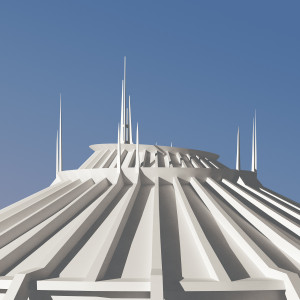
The train looks great! The textures and small logos on the side make it feel like it's straight out of Star Wars! That grass in your stage environment also looks cool. Is that a custom auto plant texture that you've used for the grass?
Thanks.
The autoplant was made by Timo :)
The train looks great! The textures and small logos on the side make it feel like it's straight out of Star Wars! That grass in your stage environment also looks cool. Is that a custom auto plant texture that you've used for the grass?
5941 to 5960 of 19729