
Thanks everyone for your comments. I noticed it was visible when rolls were set to display, but couldn't see the connection. So it's to do with splines, huh? To be honest, I dismissed the word "spline" when first starting out in NL2, as it seemed to be a somewhat advanced feature that I didn't think I would ever need myself. Truth be told, I'm still a little vague on what it is exactly and whether it will come into my (limited) NL2 world, but I'm going to have a read-up on it........ thanks again.
All Comments
5781 to 5800 of 19729Filter comments
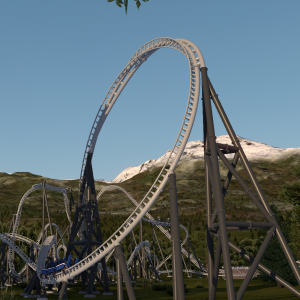
it's because of the way the roll system works, there's always a permenant strict node at the final connection point

And that green triangle you can use that as a roll to change the bank angle on that.
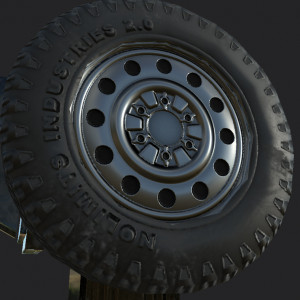
Early in the morning, rising to my feet
Light me up that dispatch light and I strap into my seat
Got to post the Round Up, Round Up for you and me
Got to find a song to rhyme with Round Up 363
Nailed it.
You create it, you share it, we feature it!
-Phyter

it isn't the ride start point but it is the spline start point, aka where the spline begins and ends its calculations from. to move it simply disconnect and reconnect the track where you want to move it to
I'm looking at a track in edit mode (all other display options unselected), and there's a green triangle at what seem to be an arbitrary point. I used to think it was a ride start point, but to start e.g. in a station, you control that by selecting station (if so named) in Coaster Properties / Trains, right? So what is this green triangle's use? More importantly, how does one move it around / delete it? Sorry if this is really elementary but I've spent way too much investigating this little oddity already!
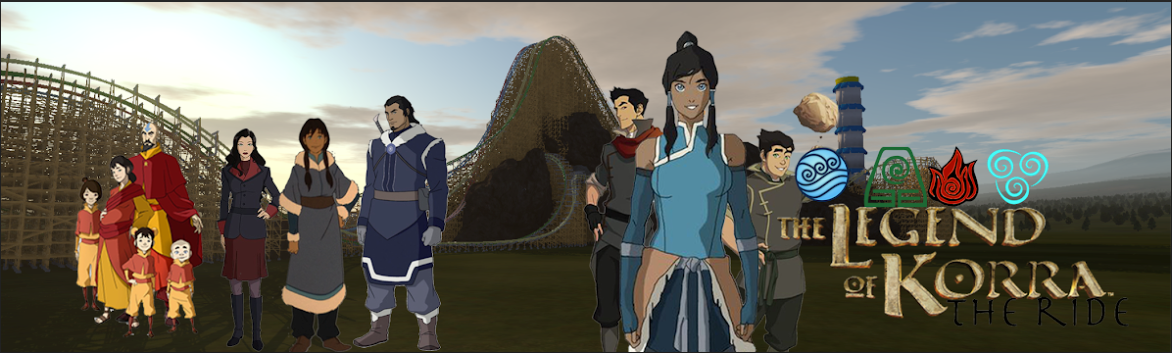
The legend of korra the ride 2nd poster

I ran both tests. When triggering an e-stop the train stops on the brake as it should. I then switched to manual and discovered a few issues. Firstly, the lift is too fast for the train to stop. After seeing this I moved the train from the initial brake to the final brake. Once the first train reached the initial brake, the brakes did not activate. I fixed these issues by slowing the lift, and adjusting where the brakes activate. The coaster now works as intended. Thank you for the help!
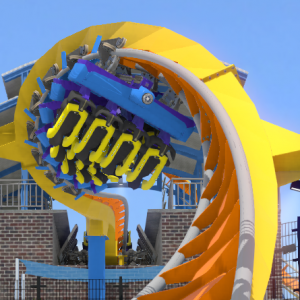
I think it's definitely Troy, that was my first thought as well and Slalom's evidence lines up well.
Two tests:
-
Press e-stop after the first train leaves the lift. Does it stop on the initial brake? If not, you need to increase the brake force.
-
Using Manual Block mode, leave a train on the initial brake. Dispatch a train and have the lift run. Does the lift hill try to shut down when the train nears the top? It should. But if the train does not slow down enough and still goes over the top, then increase the deceleration force on the lift hill.
Also may help to post the track and let others look.
-Ride_Op
Can you do a geo panic rec too?
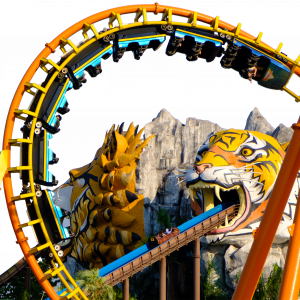
Galaxy Express 999 recreation.



How fast is your lift? The train might be overshooting it if it doesn't have enough time to slow down.

Make sure the brakes are set to block brakes and are able to fully slow/stop the train. For instance the final brake run, make sure it doesn't allow the coaster to glide through it. You can fix this by setting a higher deceleration value and also messing with the max speed settings. See if that helps?

I know this isn't relevant to the question being asked but that's a really neat layout
I'm glad you're still moving forward on this! The effort is clear


To gauge more interest on the project, I would recommend posting what you have done (if anything) with the project so far as well as roles that are needed for the help of your project. Usually just asking for help doesn't really get that far. Wish you the best!
I still don't think I have ever seen a smoother radius comb from anyone else before. lol. Nice to see you around again!
The custom track looks quite amazing as well. Looking very forward to seeing what this turns into!

The image on the mug looks like an older one so I would hedge a bet it was taken on some sort of Film Camera. If that is indeed the case, in processing, it would have been very easy to flip the negative the wrong way resulting in a mirrored image of the original photograph, explaining why it's flipped. Just a theory, but I've seen it happen plenty of times before so It definitely could have happened here.
5781 to 5800 of 19729