
The download will be available as soon as the contest starts. The start date and time is stated above
All Comments
4841 to 4860 of 19728Filter comments
where can u download this area? i wanna take part of this!
I'm going to say no for now as I think it kinda defeats the purpose of the challenge

@ LeedsUKNL
I have version 2014 (slightly modded) no problems, never got any emails.
Can you have the supports do a portable grid base ontop of the upper seating?
Thanks for the links. It would be a straight run through - no disintegration! I did actually get SketchUp about 2 years ago, but it was incompatible with my PC at the time, so I did not pursue it. (However, I still get annoying emails from the product makers two years on!) In fact, I'm on the verge of installing NL2 on my brand new super-duper Windows 10 PC, so I shall see if that makes it easier to get to grips with.....
Welcome back to Springlake Park!

This is the next contest in my 'Springlake Park' series. You again have a modest area to work with, however, there are some quirks as to where and how you can build - and this time you will also be faced with a height limit.
The Competition is finished! Results and feedback: https://docs.google.com/file/d/1OVyL1higeRI5D4xSSBWHc3Ar7ElsktDI/edit?usp=docslist_api&filetype=msexcel
Park Download: https://drive.google.com/file/d/1oiP9TUZP1O71WAqc6x0WuGW7tUWAAxrs/view?usp=sharing
The Brief:
During an expansion survey of the surrounding area, park officials stumbled upon a huge Roman arena - or so they are telling the public. They have contacted you to design their newest attraction to build in the space - another coaster. The park say that they don't mind what the thrill level of the coaster is, just that it makes the best use of the space.

This competition is all about trying to fill the space. Your coaster may be longer or shorter depending on the coaster type you choose. For example, a Eurofighter would be longer due to its compact nature whilst a B&M hyper would be much shorter.
It is important to note that manufacturer realism is NOT important in this competition. In the end, you decide how realistic to a manufacturer you stay, however, you won't be judged any higher than those who don't stick to this. The nature of the site means you'll need to think outside the box and come up with new and interesting solutions - manufacturer realism may limit this experimentation. The judging categories are below.
- Green: The outer boundary and maximum height of your frozen coaster track.
- Red: All footers must be within the red lines, on the sand.
- Blue: Location of the obelisks you must avoid.

Rules:
- Create any coaster you like from the in-game selection only (light pattern creator single-rail coasters are allowed)
- Coaster can be of any thrill level
- All frozen track and supports must be located within the green boundary
- No frozen track above the green boundary
- Track must not go in the covered space between the 2 levels of seating, behind the pillars
- Adhere to the brief above
- No tunnels
- The station can be placed anywhere on the sandy area however it must be possible to build entrance and exit paths from the main entrance of the arena
- The in-game station does not need to be used, however ensure that your station is theoretically accessible (e.g. clear on both sides/separate unloading station)
- Storage is recommended but not required
- Clearances must be taken into account
- Scenery of any kind cannot be altered (e.g. foliage moved/removed)
- No custom scenery, just a coaster
Judging:
You will be given a score based on the following:
- 25pts for 'Use of space' - How well have you utilised the site? Have you taken advantage of what it has to offer?
- 20pts for 'Layout' - How interesting is your layout? Is it fun or too repetitive? Have you been experimental?
- 20pts for 'Quality of track' - Are the forces of your ride realistic? Is it smooth? Are the track style settings accurate?
- 20pts for 'Quality of supports' - Is your coaster structurally sound? Do the supports make sense? Are they well detailed?
- 10pts for 'Adherence to rules' - Does your coaster meet clearance requirements? Are supports clipping with other objects? etc.
The entry with the most points overall will win the competition.
The judges are myself, GeCoDe and the winner of the last competition: Xcelerator4.
Extra Awards (If applicable):
- Best Looking Coaster
- Best Name
- Most Unique Coaster
- Coolest Element
- Strangest Support
Prizes:
The winning entry:
- will be immortalised in the park on the steam workshop
- will have a custom station and signage made for it
- will have a cinematic video with custom soundtrack created for the winner's YouTube channel and/or hosted on my channel with full credit (contestant's preference)
- will receive a digital certificate announcing their win
- will receive a custom digital poster of the layout of their ride
Second to tenth and the extra categories will receive a digital certificate with the details of their win too.
Most importantly though, have fun!

Hint # 2 : added
@ LeedsUKNL
Something like this :

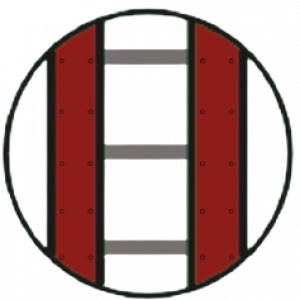
You can find a billboard in Plantoris's Signage Pack. I have not downloaded the park, but I am sure that the images/textures on the signs can be changed. Billboards can be found in other parks, but their signage may not be changeable. However, you can always put your own images on them as separate scene objects; see here for a tutorial from bestdani.
LeedsUKNL posted on July 9th, 2021
I'd like coaster to blast through a billboard (or even a thin wall) - one which I can put a picture on.
Did you want the coaster to smash the wall (break it into pieces)? That will require some scripting, something that I am not proficient in. If you are able to make a custom billboard in two separate halves in a 3D modeling program such as SketchUp, You can make the billboard's two halves move in opposite directions to form an opening for the coaster to pass through (see here for an example) You can use bestdani's Instant Animations for that. making a billboard in SketchUp is very simple, and does not require much experience. Delete one half of the billboard and export the other, and then undo that and do the same thing with the other half to get two separately animateable halves.
I'm yet to delve into the world of scenery and 3-d objects, etc. (I'm sure I'll have questions!), but for the moment, I'm creating a coaster for someone and have an idea. I'd like coaster to blast through a billboard (or even a thin wall) - one which I can put a picture on. I can't remember if I've ever seen something similar in the hundreds of coasters I've seen to date, but does anyone have such an object I could crib till I become more proficient? I wouldn't need to copy the whole coaster/park. Thanks!
Aaaah, I get it now! So the whole thing is only an issue when you're in "perspective" view. I see. I've had a dabble and it works fine. Thanks again for the enlightenment!
Coasterman0108 posted on July 5th, 2021
Hope u guys will like of what i added to my Coasterman Remix Revolution. WARNING the lights are bright.
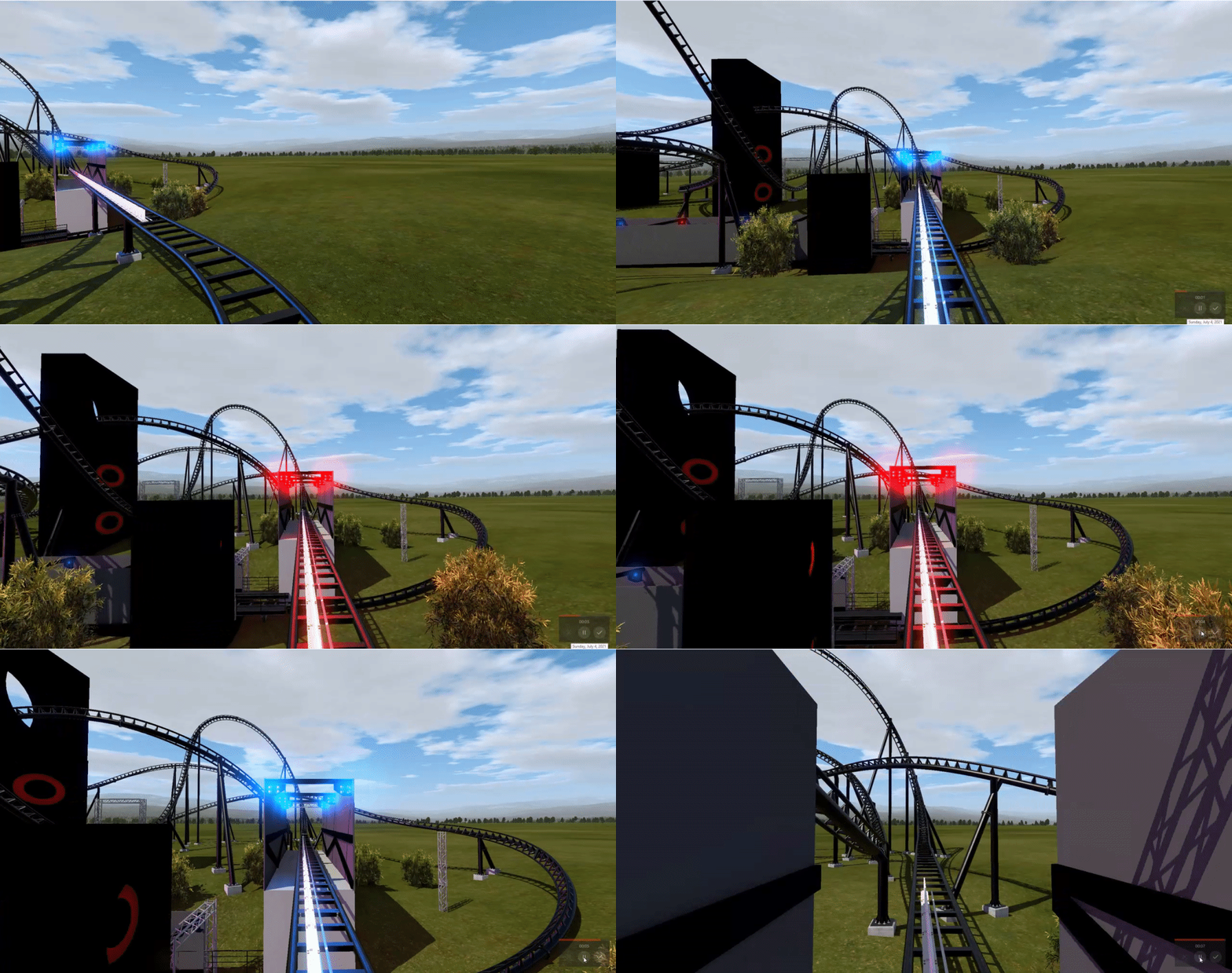
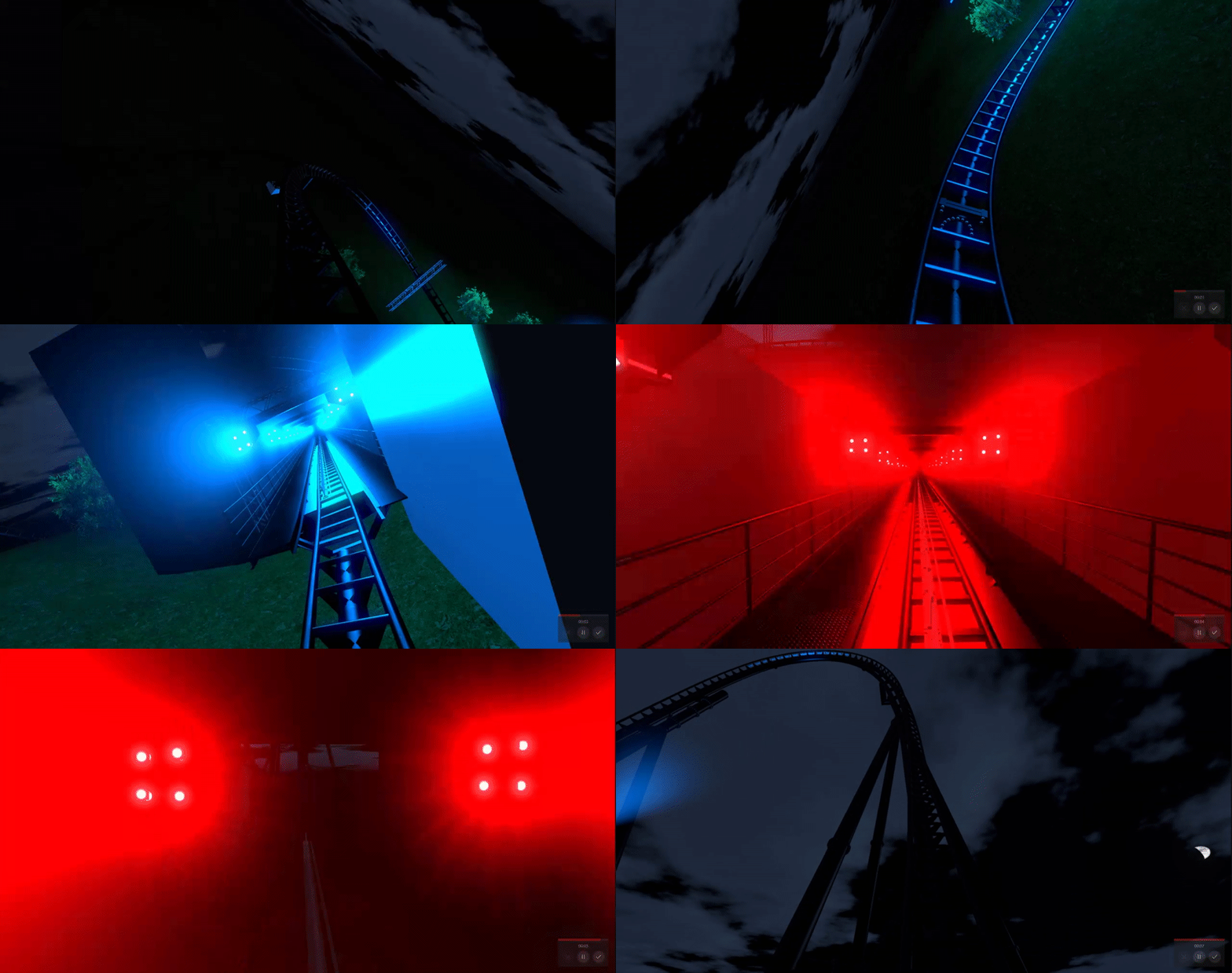
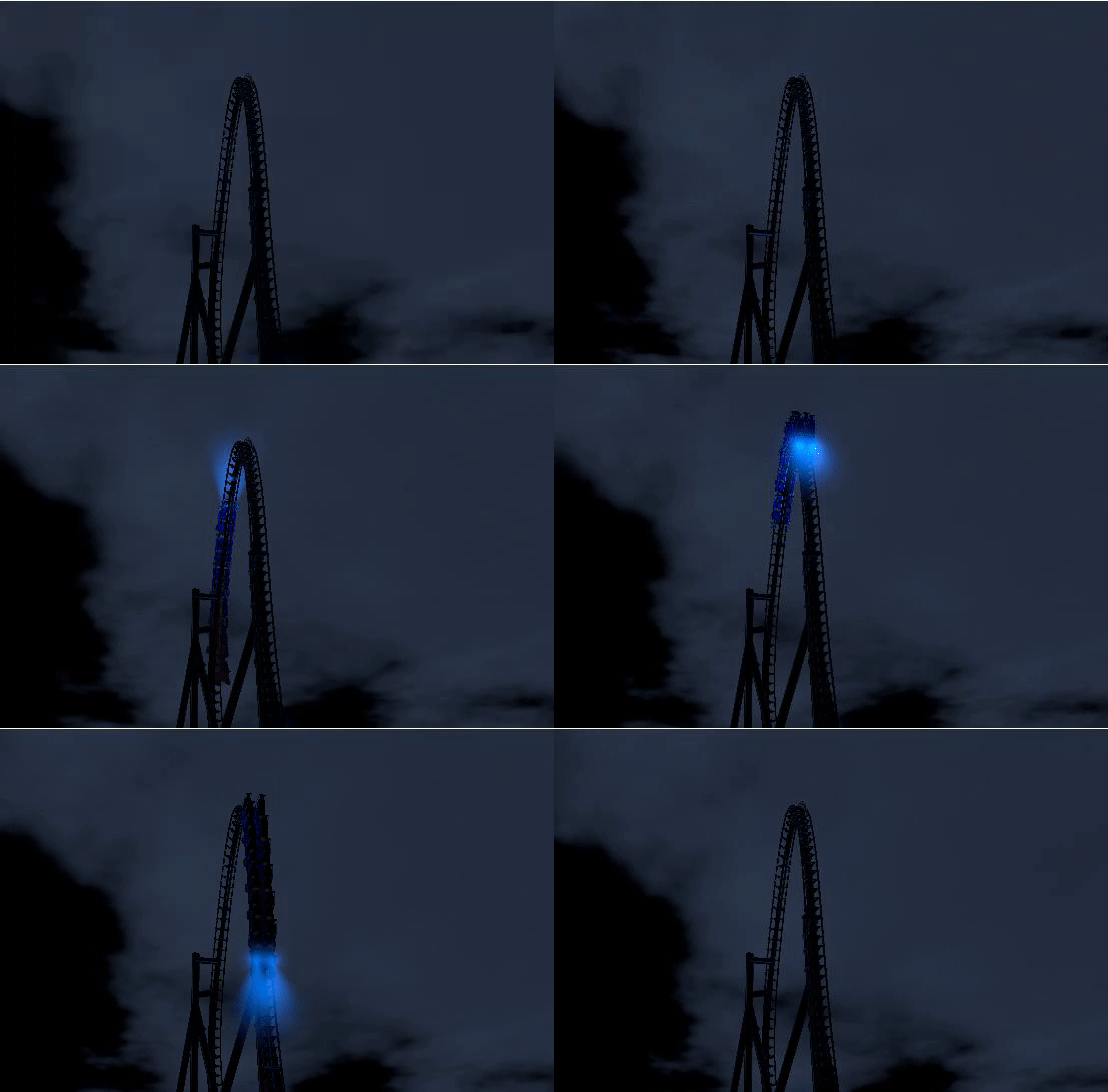
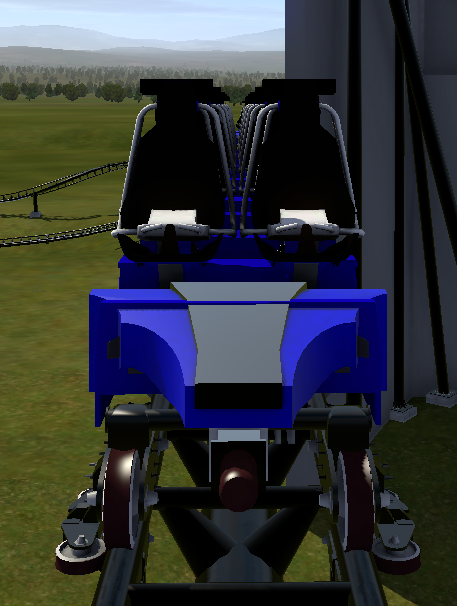
Love the lighting effects! The headlights would make it very appealing to park guests at night.
The initial position is the view you see in Perspective when you enter the park in the Editor.
Here are what each of the Initial Position buttons/functions do (to make them clickable, go to Perspective view):
Set Initial Position
This button sets whatever position you are at in Perspective View to the Initial Position.
Move to Initial Position
This button will move you to the Initial Position that you set.
Reset Initial Position
This button will set the Initial Position to the center of the park.
The FOV (Field of View) is how zoomed in you are in Perspective View. To change it, use the slider beside the spline selector (where you select Speed Comb, G-force comb, etc.). Move it to the left to set it to the max field of view (minimum zoom).
Feel free to ask again ;)
Hope this helps,
RMC It
Firstly, thanks all for your replies. I'm pleased you can see what I'm getting at. Unfortunately, I'm going to have to disgrace myself further by saying I've never understood that "initial position" thing! (Though I realise initial position and initial view are separate aspects.) Here's what I do for ALL my coasters:-
- Set park view to "Ride View (Closest)".
- Set coaster properties / trains start block to the track segment I've named "Station".
Sure enough, that's where the car starts, and if I'm not mistaken, it puts a green triangle in that place.
Now then..... I've seen those tabs on the Park screen, but:-
- "Set Initial Position" is ALWAYS greyed out.
- "Move To Initial Position" is ALWAYS greyed out.
- "Reset Initial Position" isn't greyed out, but selecting it does absolutely nothing that I can see.
That's the way it's always been for me, so I've never bothered with those tabs from Day One.
So when you mention things like "FOV" and zooming in, etc. I really am at a loss I'm afraid!
Skyscraper posted on July 7th, 2021
Coasterman0108 posted on July 7th, 2021
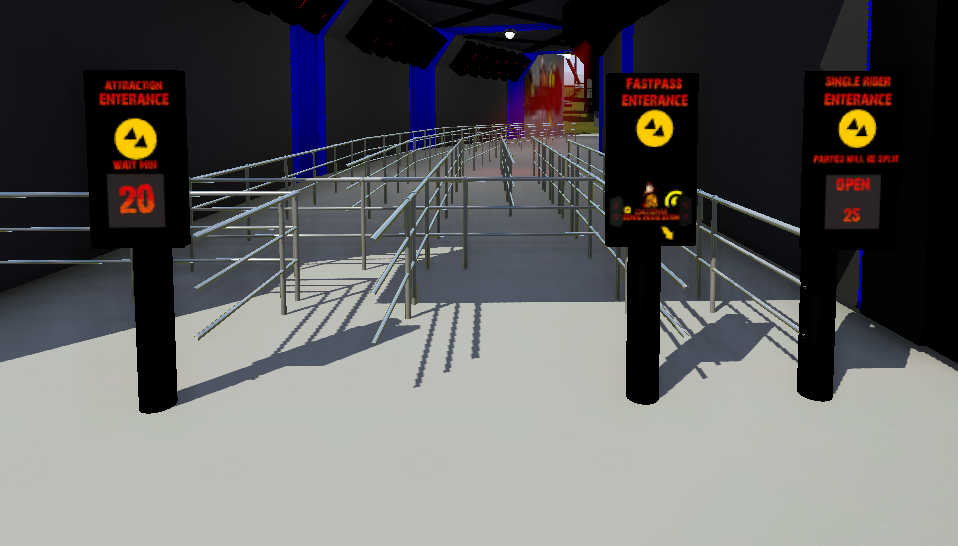
ride attraction signs entry for main, single and fastpass are complete.
You've spelt "entrance" wrong on all three signs mate, take the extra e out.
oh i did miss spell it woops, thx for letting me know
Coasterman0108 posted on July 7th, 2021
ride attraction signs entry for main, single and fastpass are complete.
You've spelt "entrance" wrong on all three signs mate, take the extra e out.
ride attraction signs entry for main, single and fastpass are complete.
Whoa, I never meant to queue
But I'm buried in this queue house now
Whoa, wait is 386 minutes to ride
I'll roundup all the way starting now
You create it, you share it, we feature it!
-Ride_Op
MrRC is right
To view the real image (not zoomed out), set the FOV to minimum zoom
4841 to 4860 of 19728