

Singal rail pack
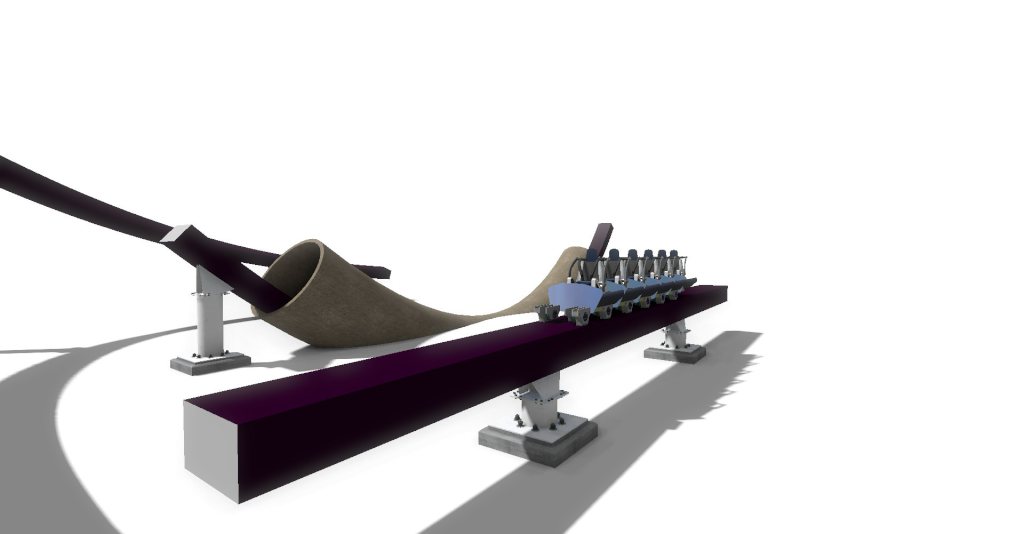
This is RCK 12 by the pack called the singal rail pack. Here's the tutorial of how to set your own layouts to use the track and how to use the custom train. First, Extract the package and put it in your files that were you will find it.
Track tutorial: Follow these steps.
1. Click the advanced button
2. Click the Light Pattern Creater button
3. Set all the three circle pattern to altpac_0.png.
Optional: color your track and name it.
4. Click on Generate Object button
5. Set the width 1m and the hight 0.6m
6. Select B and T before saving your track
7. Save your track
8. Click on Generate on the right side
9. Select your park and save your track in that file
10. Click on Scenery Button
11. Select your name for your track.
12. Select all the positions, X, Y, Z to 0m
Custom train tutorial: Follow these steps.
1. Select the coaster style to gravity group coaster
2. Name your wireflame SKYWARP
3. All the train objects Car, Bogie, And everything else in that custom train should be placed within 15 meters/50 feet of a wireframe train
Optional: Import that copied coaster to get the supports. The supports for the best must be the Twisted B&M style.
4. Click on Hide Wireflame button
5. Don't freeze your coaster
Let me know how this pack came out and comment me how I did. I might do a single rail project for you to get the feeling of how the pack mostly works. But anyway, Enjoy!