

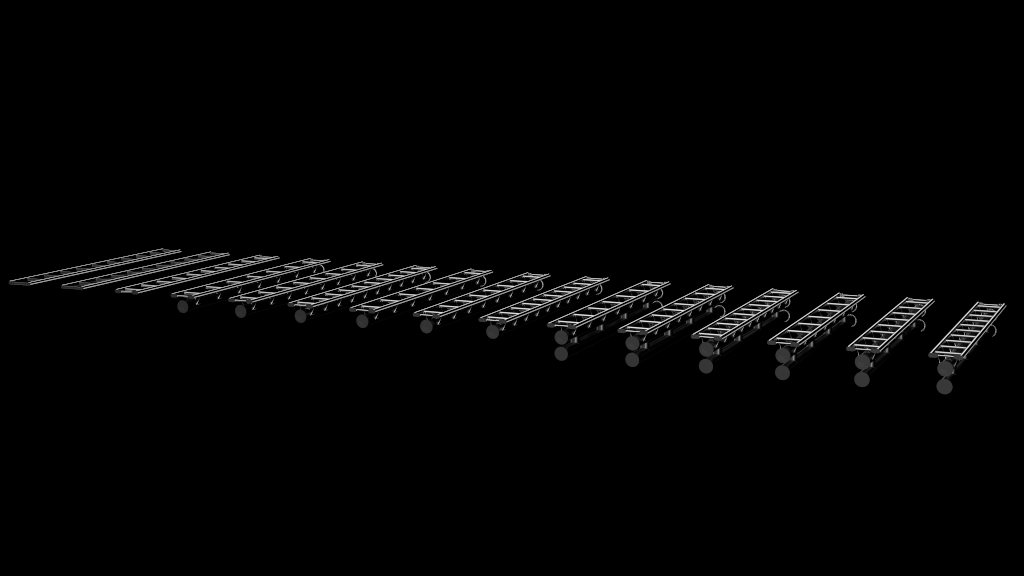
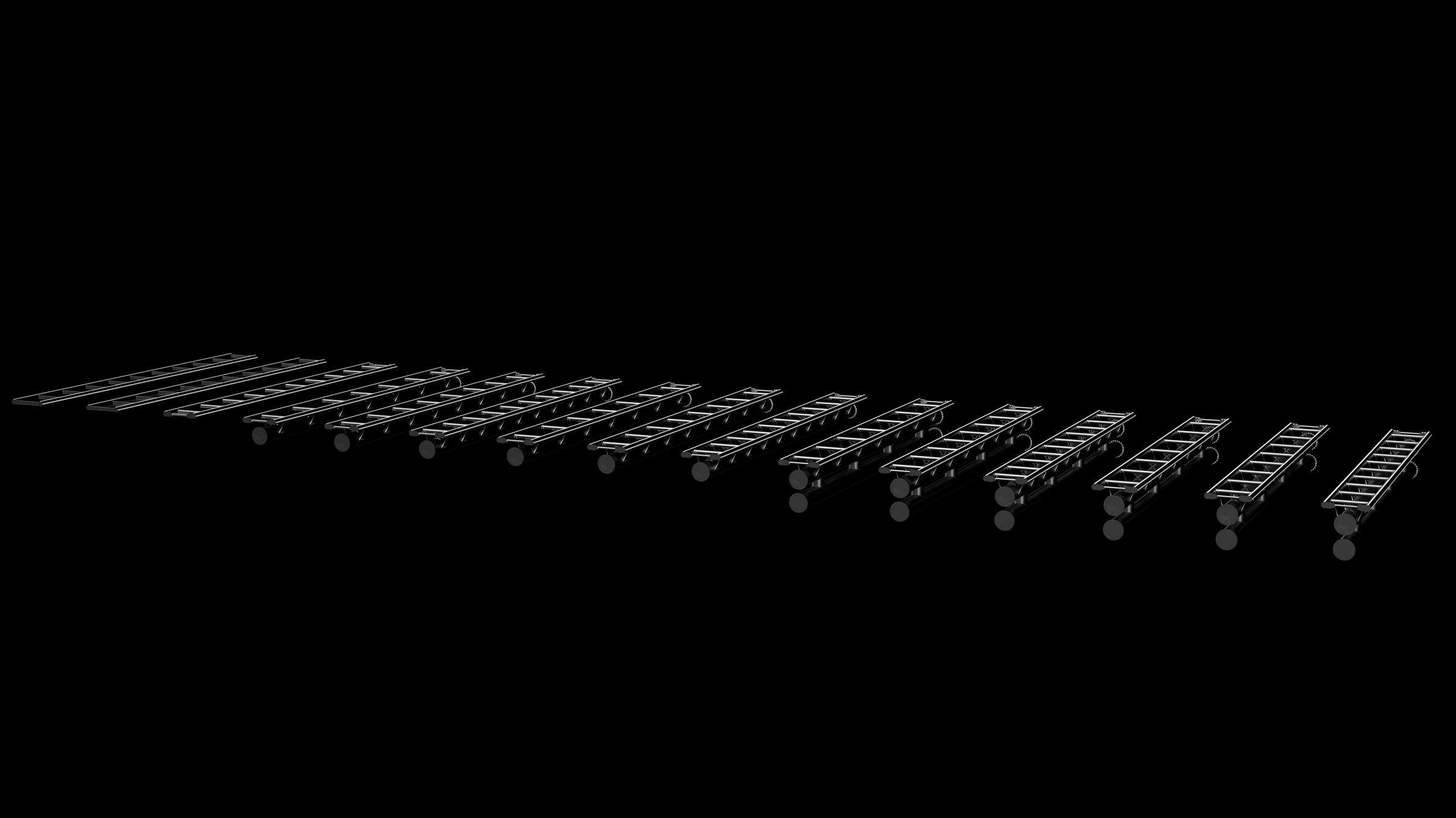
Intamin 0.9m Track Pack
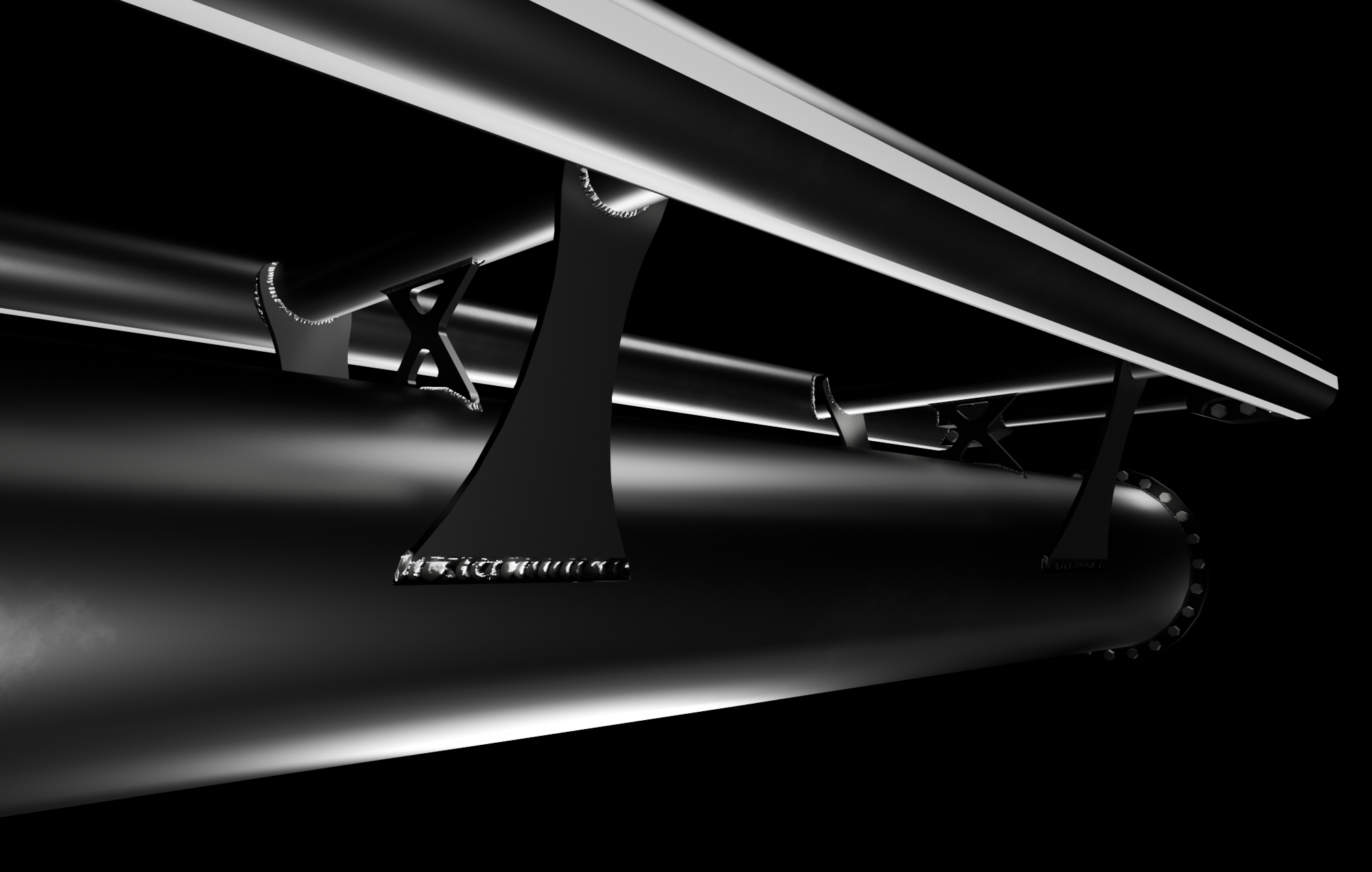
0. (For Steam Workshop users only) once subscribed to the item, open NoLimits2, click on editor and find the Steam Workshop directory, then locate the file and open it.
0. (For Those who downloaded this as a separate file) open NoLimits2, click on editor, find the the file and open it.
1. go to File > Extract Package
2. Export the Spline of your coaster wherever you can find it easily. (either using the csv export function that comes with NL2Pro, or workarounds, for example saving your entire coaster as an .nl2elem file, and using this converter: https://pypi.org/project/nl2elem-to-csv/ )
3. Open the .blend file that comes with this kit (preferably in Blender 5.0+), import your spline ( https://github.com/geforcefan/BlenderNoLimitsCSVImporter ), and change its location to 0, 0, 0.
4. With the spline selected, press tab to enter edit mode, then press a to select all of the splines vertices, and press n to open the spline settings.
5. Adjust these settings to match the "_SPLINE.png" image, found in the extracted folder.
6. Select the track object you want to start with, set the location of the object to 0, 0, 0 and go to the "modifiers" tab (wrench icon on the right side).
7. Under the "curve" modifier, click on "object", and select your spline.
8. Under the "array" modifier, set the desired length of your track section, by increasing "count".
9. To move the track object along your layout, hit G + X on your keyboard.
10. Repeat steps 6 - 9 for any additional track models you want to use. im case you want to use the same model multiple times, do NOT duplicate those with ctrl + c/v, but instead with shift + d.
11 When all track objects are as wished, go to File > Export > glTF 2.0.
12 Make sure the export destination is the "EXPORT HERE" folder, and name the file "Intamin.glb", make sure your export settings match those seen on "_EXPORT.png".
13. Now the only thing left to do is to place the "_Track.nl2sco" object in your park. To adjust the color of the track and stripes, and to control the wear effect on the rails, double-click the object after placing it.
|| To disable the stripes on the rails, set the "Stripes" color to the same as your rail color ||
---
If you have any questions / need help with setup, DM me via Discord!