Skip to content

Refactored Customizable Dynamic Brakes

Park Image
Park Image
Park Image
Park Image
Park Image
NEW VERSION 1.1 AVAILABLE HERE (14th March 2025):
https://nolimitscentral.com/exchange/park/3127
Many bug fixes, changes and new features!

Outdate Version description:

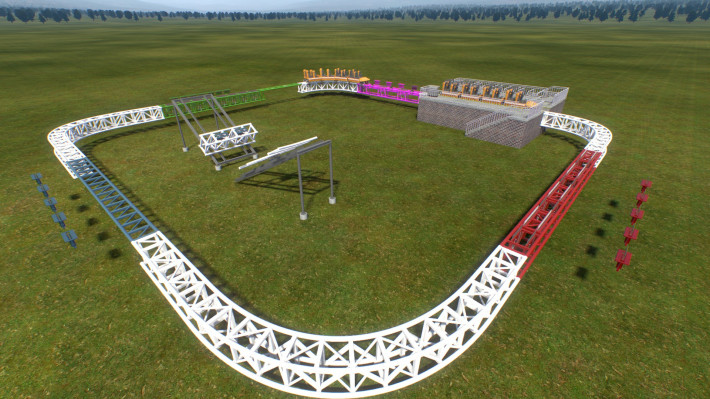
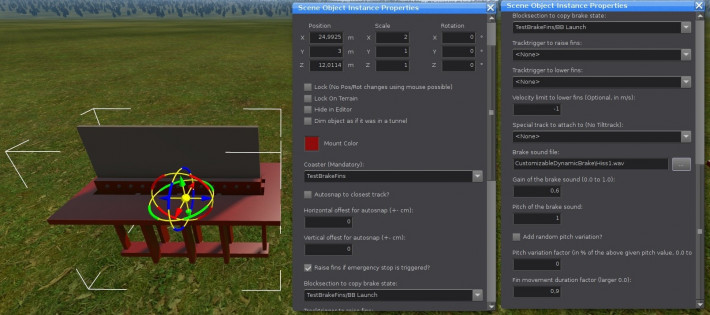
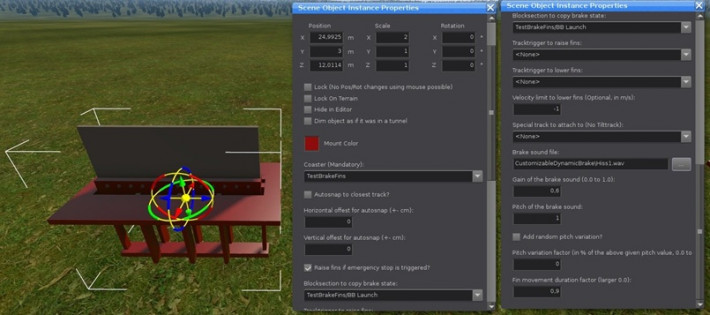
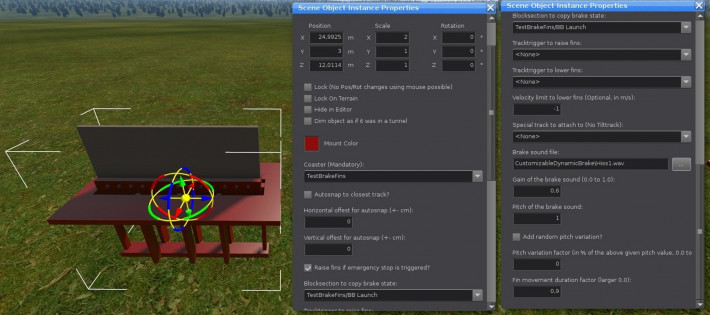
I refactored the dynamic magnetic brakes by TheCodeMaster. You can now customise the brake's auto-snap position and its complete behaviour via the scene object instance properties window. No scripting needed. All possible customisation are shown in the demonstration park and described below.

The 3D models are from TheCodeMaster's first New Gen Intamin trains and the three hiss sounds are from TheCodeMaster's first New Gen Intamin trains and his launch kit (https://nolimitscentral.com/account/thecodemaster).

The idea/request came from CCA_Games (https://nolimitscentral.com/account/cca-games).

You are free to change the source code and/or use it for other brake models as you like (If you use an other model you have to change the name of the moving fin element in "CustomizableDynamicBrake/CustomizableDynamicBrake.nlvm" at line 20).

--- Customisation Options ---

  • Choose if you want to autosnap the brake to the closest track. Add horizontal and vertical offsets if wanted.
  • Choose if the fins should always be raised if the emergency-stop is triggered.
  • Choose a block-section brake from which the current brake state should be copied. (E.g. see RED track at the demonstration coaster)
  • OR choose two track-triggers for rasing and lowering the fins. The fins a raised if the train enters the "raise trigger" and lowered if the train enters the "lower trigger". (E.g. see BLUE track at the demonstration coaster)
  • Add an additionally limit velocity to lower the fins: Lowers fin if the train between the two track-triggers is slower then this limit velocity even if the train did not reached the lower-trigger. (E.g. see GREEN track at the demonstration coaster). Lowers fin if the train on the block-brake is slower then this velocity even if the chosen block section is still raised. This option is ignored if the value is negative.
  • Choose a special track the brake should follow (No tiltrack support).
  • Choose a sound which should be played while the fin is moving up and down and set its gain and pitch. (The up and down movement duration of the fin is defined by the length of this sound. The sound length is given by "length of sound file" * 1.0/"pitch". (See the next options for more details.) (E.g. see PURPLE track at the demonstration coaster).
  • Apply and choose a random pitch variation factor for the brake sound so that not all brakes move perfectly identical. The final pitch for the brake sound is then chosen randomly between: "pitch" +- "pitch" * "variation factor". (E.g. see GREEN track at the demonstration coaster).
  • Choose a fin movement duration factor. The time the fin needs to move up and down is determined by the length of the sound and this factor. The final movement duration for one up or down movement is given by: "length of sound file" * 1.0/"pitch" * "this movement duration factor". A smaller factor means a faster movement. Values over 1 can lead to multiply sound plays during one movement!

--- How to use ---

Extract this park and copy the folder "CustomizableDynamicBrake" in your park folder. Then place "CustomizableDynamicBrake.nl2sco" in your park and use it.

Cheers,

Systron

Download this park to post a rating

March 8, 2025

These are great! They work great and are very easy to use! My only problem is I wish there was a way to move the fin over to them align with custom trains, major deal breaker for me personally.

1 to 1 of 1
Uploaded By
Uploaded On
March 2, 2025
File Size
6 MB
Version
Downloads
0

TestBrakeFins

3 meters

4.6 meters

131 meters