
MMrRC
December 24, 2023
I just can't figure it out how the track works (I have NO Blender software), other things like Coaches en Bogies working. Plz somebody help me out here ?

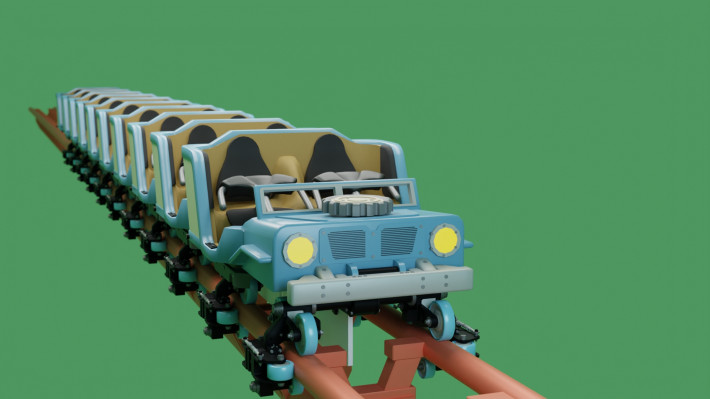
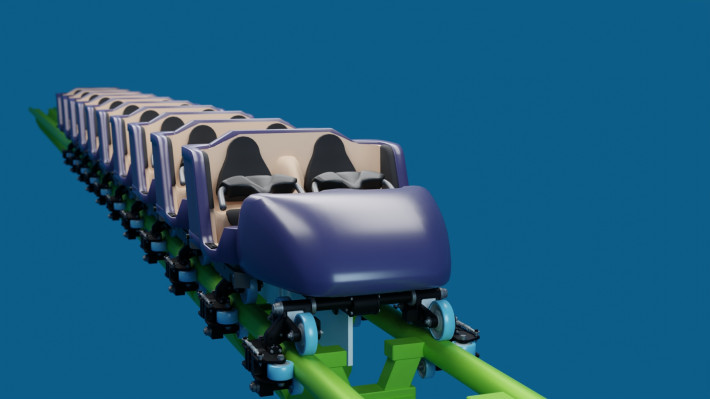
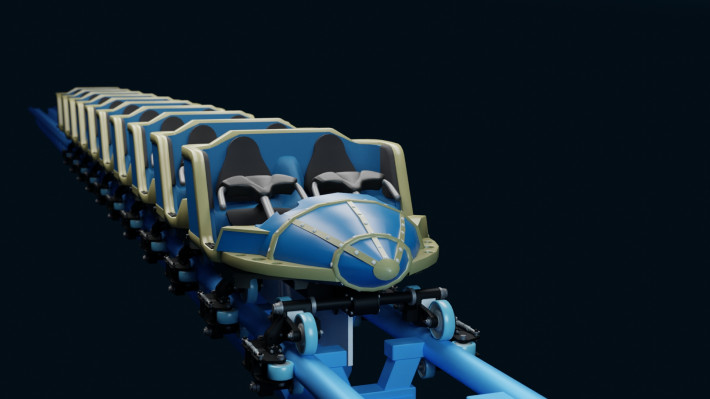
Vekoma Family Launch Kit
Name Wireframe Coaster: LAUNCH
Wireframe Coaster Style: Wooden Coaster - Trailered 2 Seat (Millennium Flyers)
Heartline: 0.8m
Models: Kw6sTheater (Car, Bogie, Themed Noses) and Coastin' Dave (Car Details)
Showcase Coaster: Kw6sTheater
Examine this showcase coaster to see how the kit should be set up for your Vekoma Family Launch projects. Make sure all of the train scenery objects (Nose.nl2sco, Car.nl2sco and Bogie.nl2sco) are placed within 15 meters/50 feet of a wireframe train. Double-click on each Car object and set the proper car number (start at 2). The Nose object already has its car number set to 1.
This kit includes 3 differently themed Noses: "Nose - Luna.nl2sco", "Nose - Big Bear Mountain.nl2sco", and "Nose - Generic.nl2sco". These attach separately to existing trains.
The Track Devices scenery objects (LIMs and Magnetic Brakes) should be placed where you want the section of drive tires to start on the track. Name this object the length of the desired section. For example, to generate enough LIMs to cover a 30m/100ft section, the LIMs object should be named "30".
The custom tracks are included in the "Vekoma_Family_LIM.blend" file (inside the "Track" collection). The track style for launches and magnetic brakes ("Launch/Brake Track") is different than the track style used in the gravity-powered layout ("Normal Track"), and requires you to place the ties separately ("Brake and LIM Section Ties.nl2sco", name this object the length of the desired section). Additionally, there is a separate track section with Drive Tires ("Drive Tire Track") in the .blend file.
Do you have questions about this kit or a Vekoma Family Launch project to share? Contact Kw6sTheater#8572 on Discord. Enjoy!
Download this park to post a rating
I just can't figure it out how the track works (I have NO Blender software), other things like Coaches en Bogies working. Plz somebody help me out here ?